Home
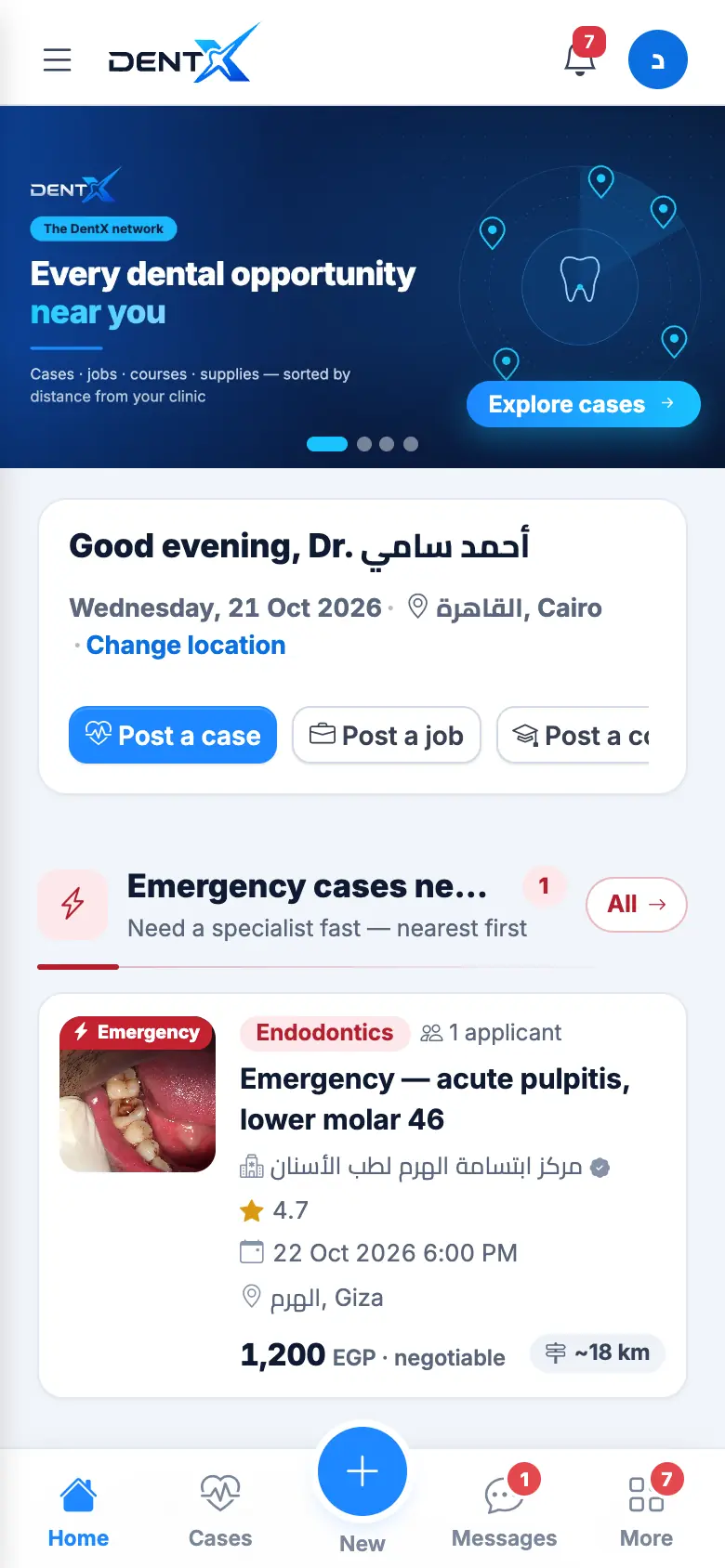
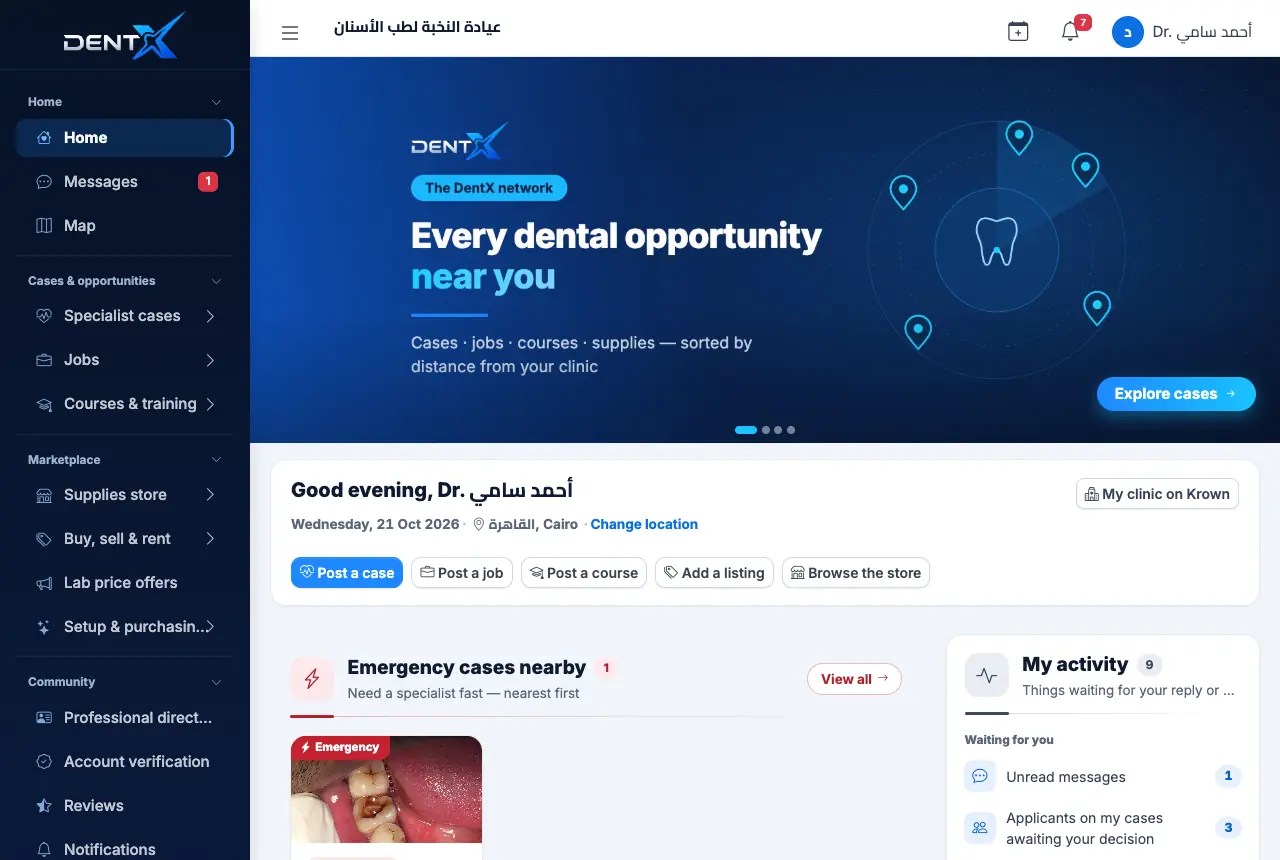
Home gathers what's new around you — emergency cases, jobs, courses, listings and products — each section sorted nearest first, plus quick buttons: Post a case, Post a job, Post a course. Change location shows opportunities in another area.
The phone bottom bar
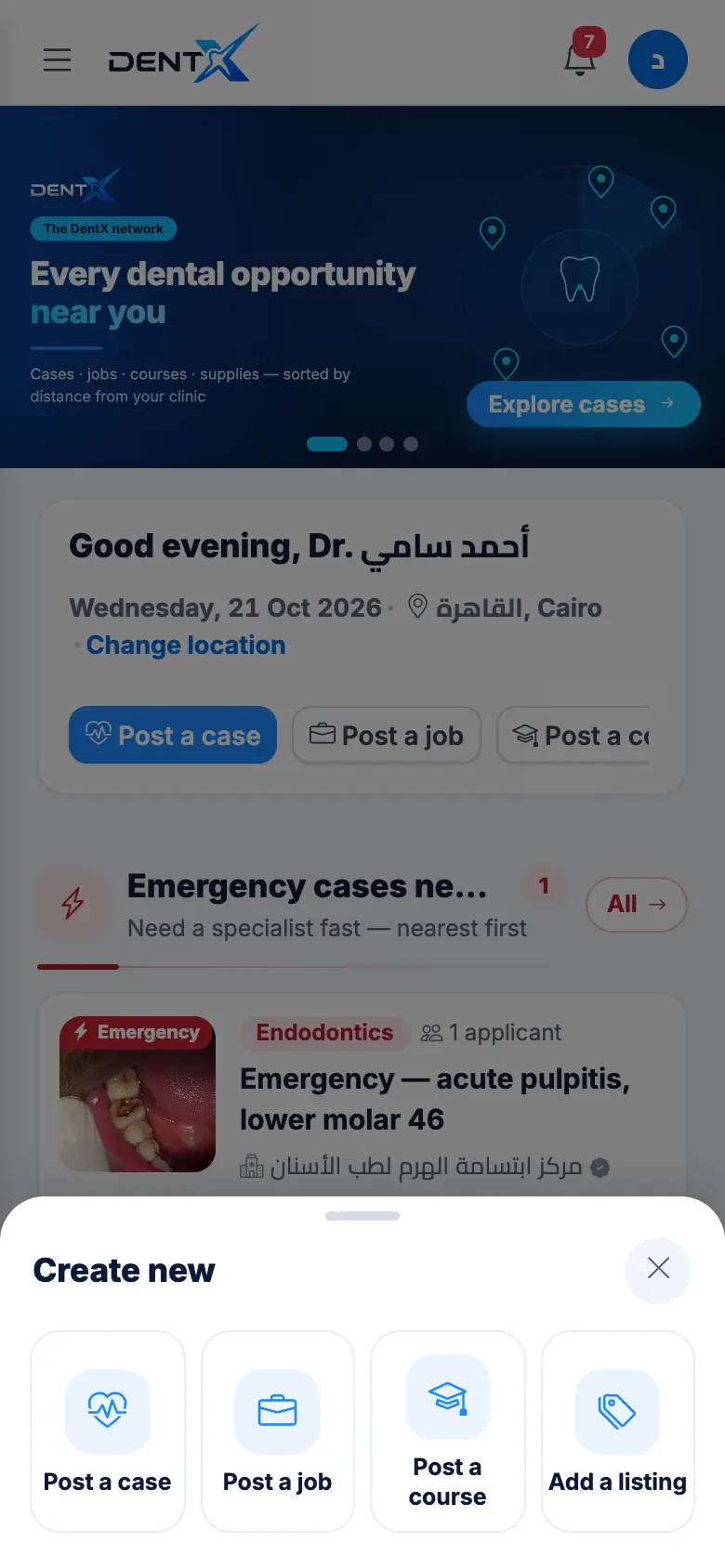
On a phone, the bar at the bottom holds Home, Cases, New (+), Messages and More. A red number means something new.
- New (+) opens a sheet to post a case, job, course or listing.
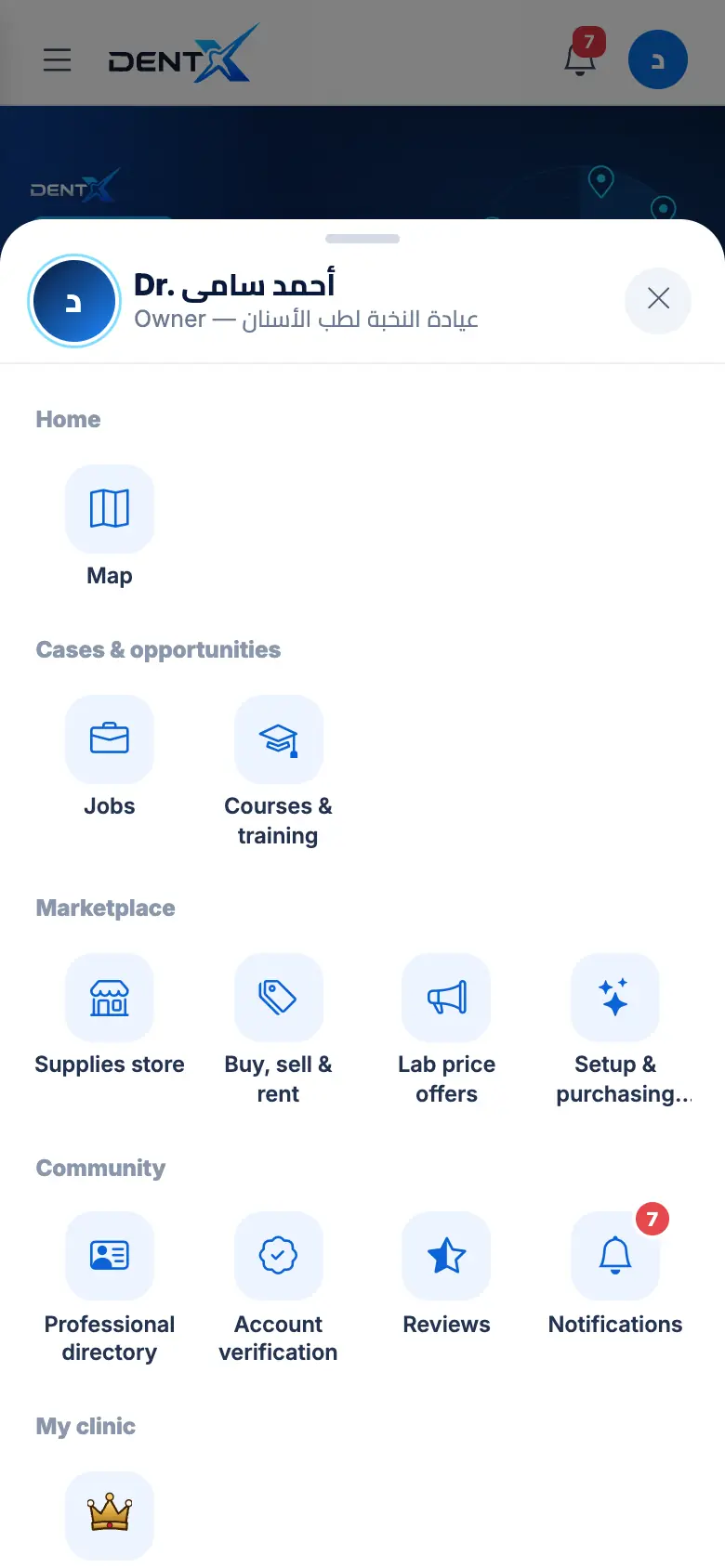
- More opens every other section, grouped like the side menu.
The side menu
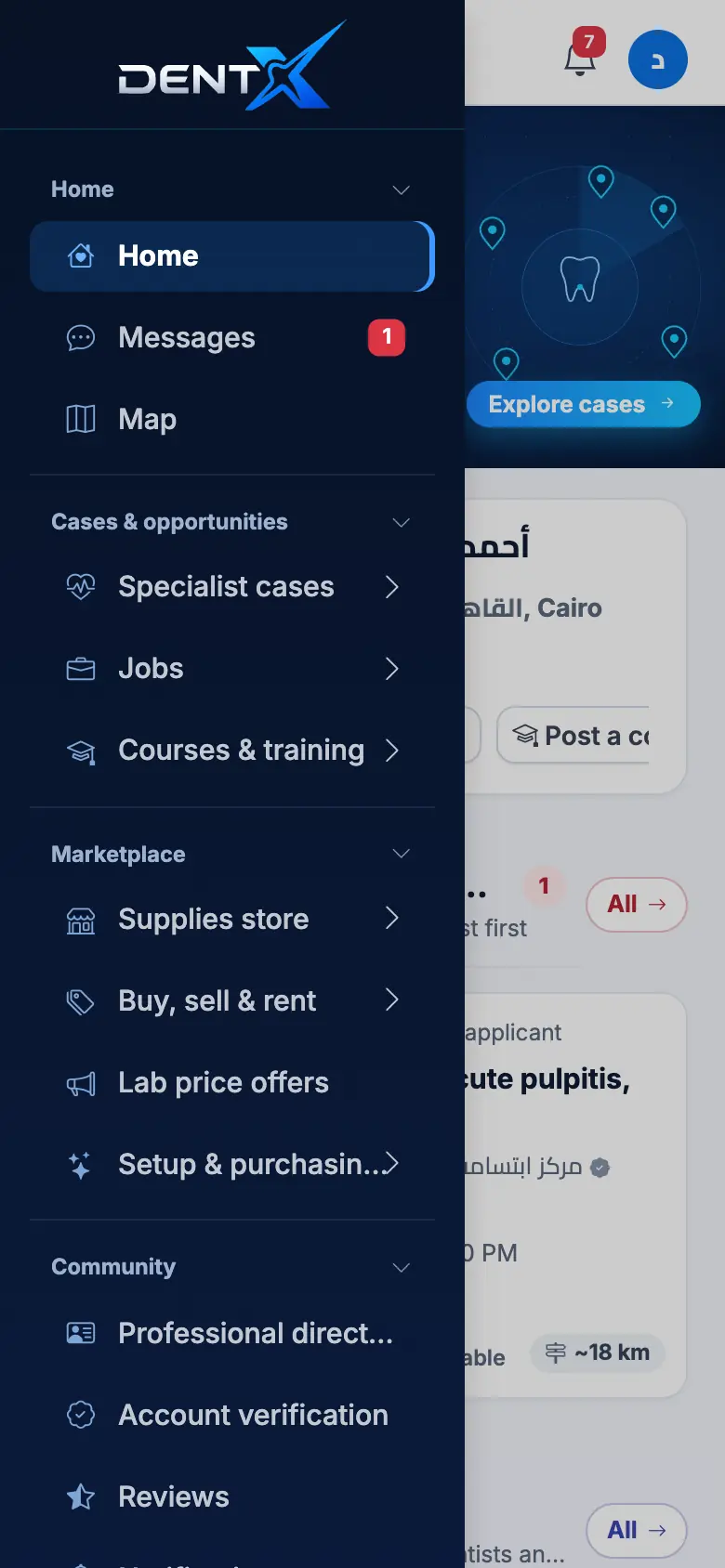
Tap ☰ at the top to open the full menu, grouped into Home, Cases & opportunities, Marketplace, Community, My clinic and Settings. On a computer it stays open on the side.
Your account menu
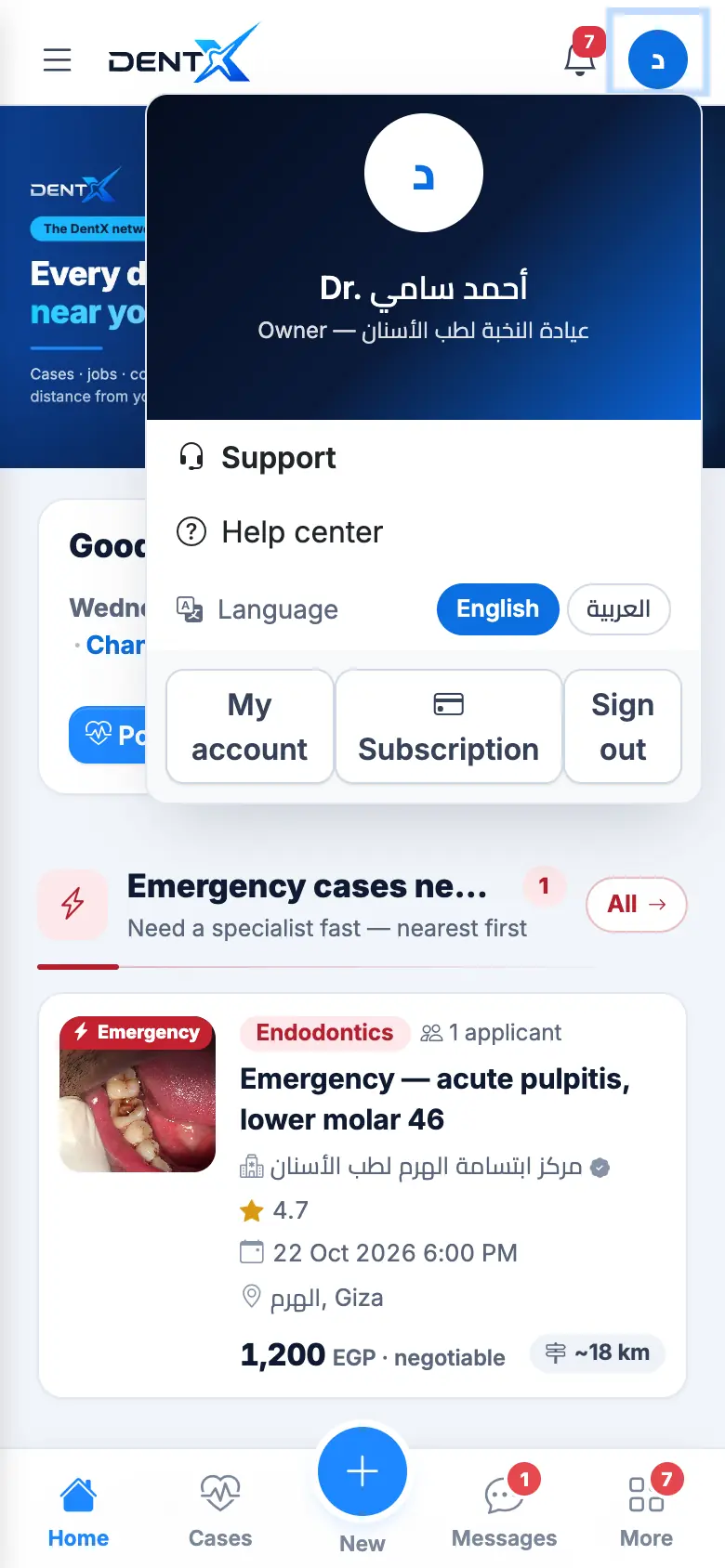
Tap your round avatar (top corner) for Support, the Help center, Language, My account, Subscription and Sign out.
Filters and "nearest to me"
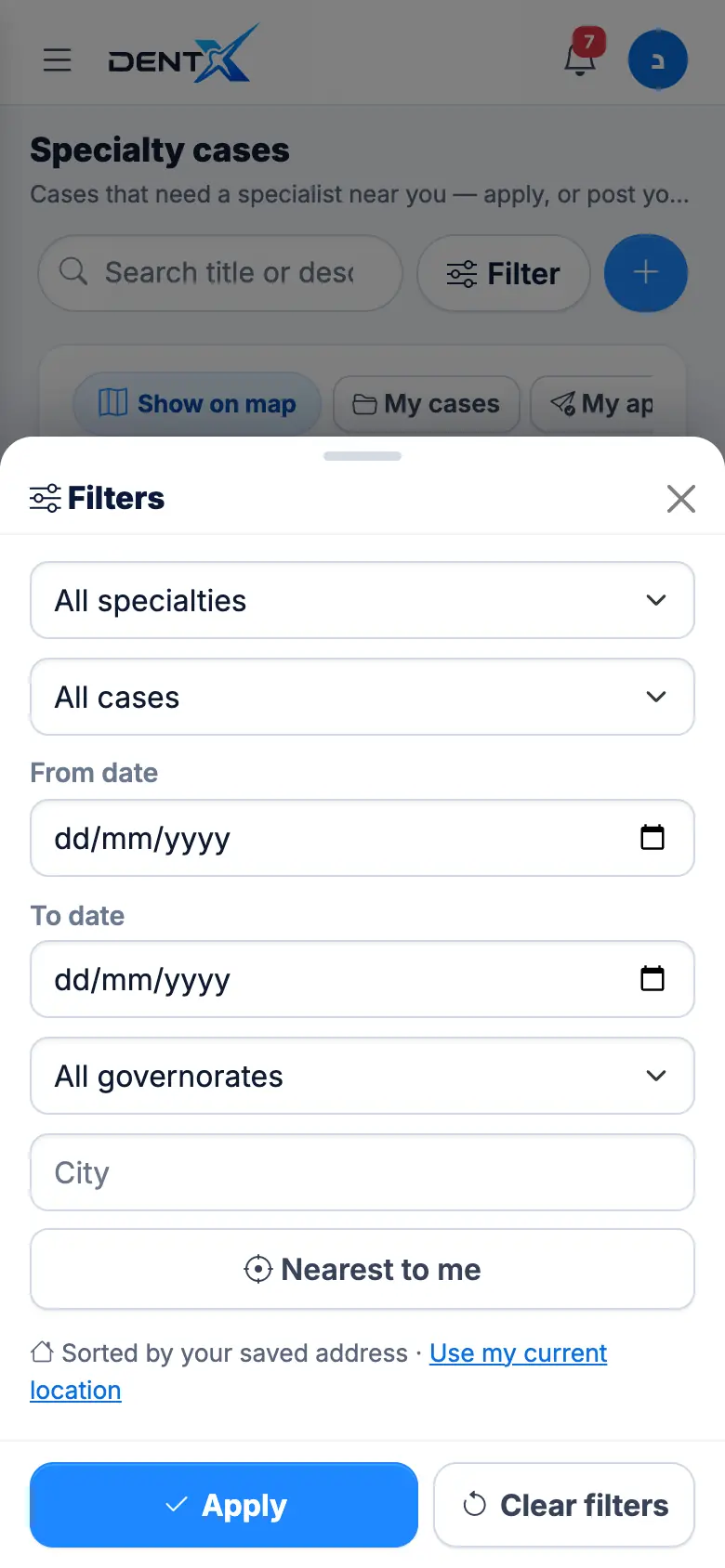
Every list has a Filter button: specialty, dates, governorate, city — and Nearest to me, which uses your current position instead of your saved address. See Map & near me.