
DentX is a professional network and marketplace for the dental sector in Egypt: dentists, clinics, labs, CAD/CAM designers and suppliers. Your Egyptian mobile number is your account — you sign in with it, and it's how people and notifications reach you.
Sign up with your mobile number
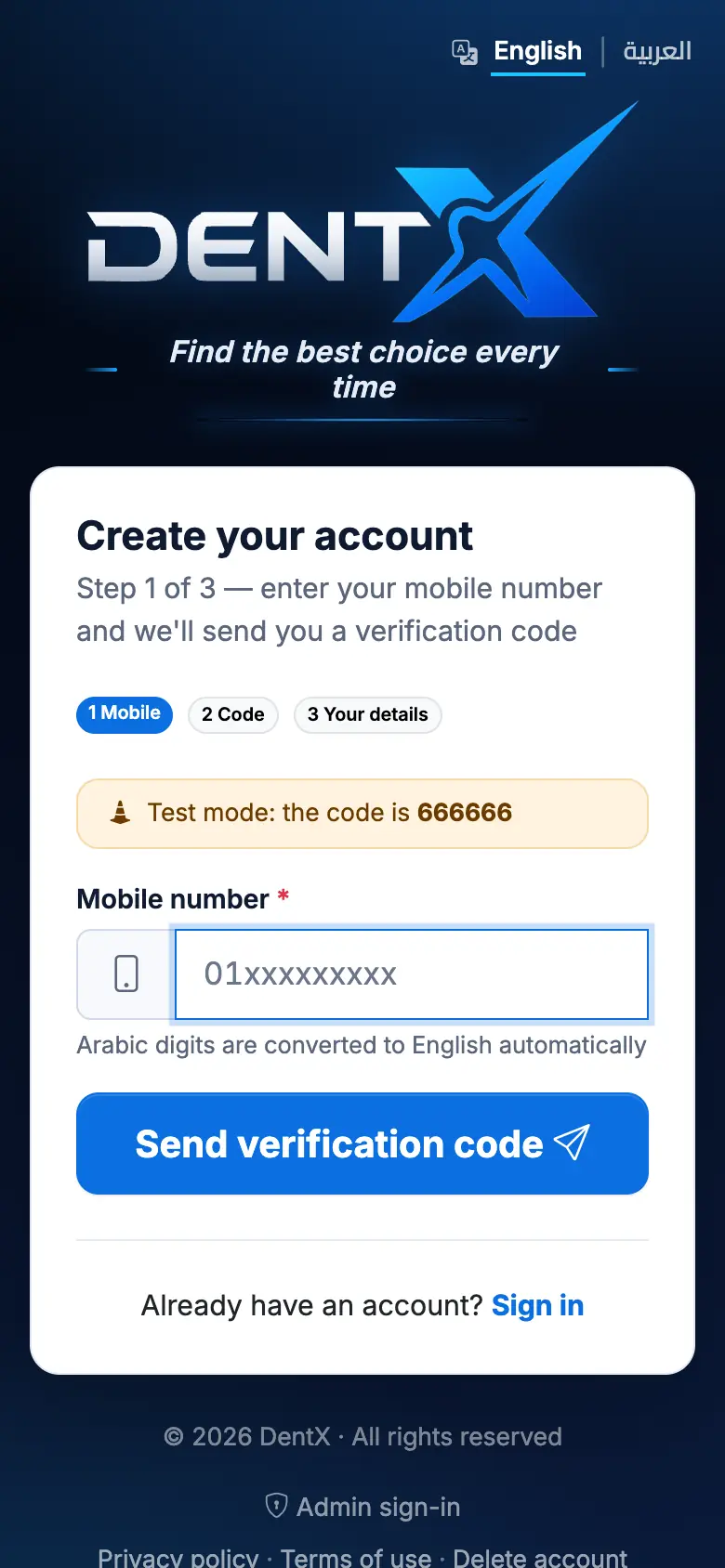
- Open Create your account (or tap Sign up now on the sign-in page).
- Enter your mobile number (11 digits starting with 01). Arabic digits are converted automatically.
- Tap the send button — we send a 6-digit code on WhatsApp. If WhatsApp doesn't work for you, choose Send me an SMS instead of WhatsApp when it's offered.
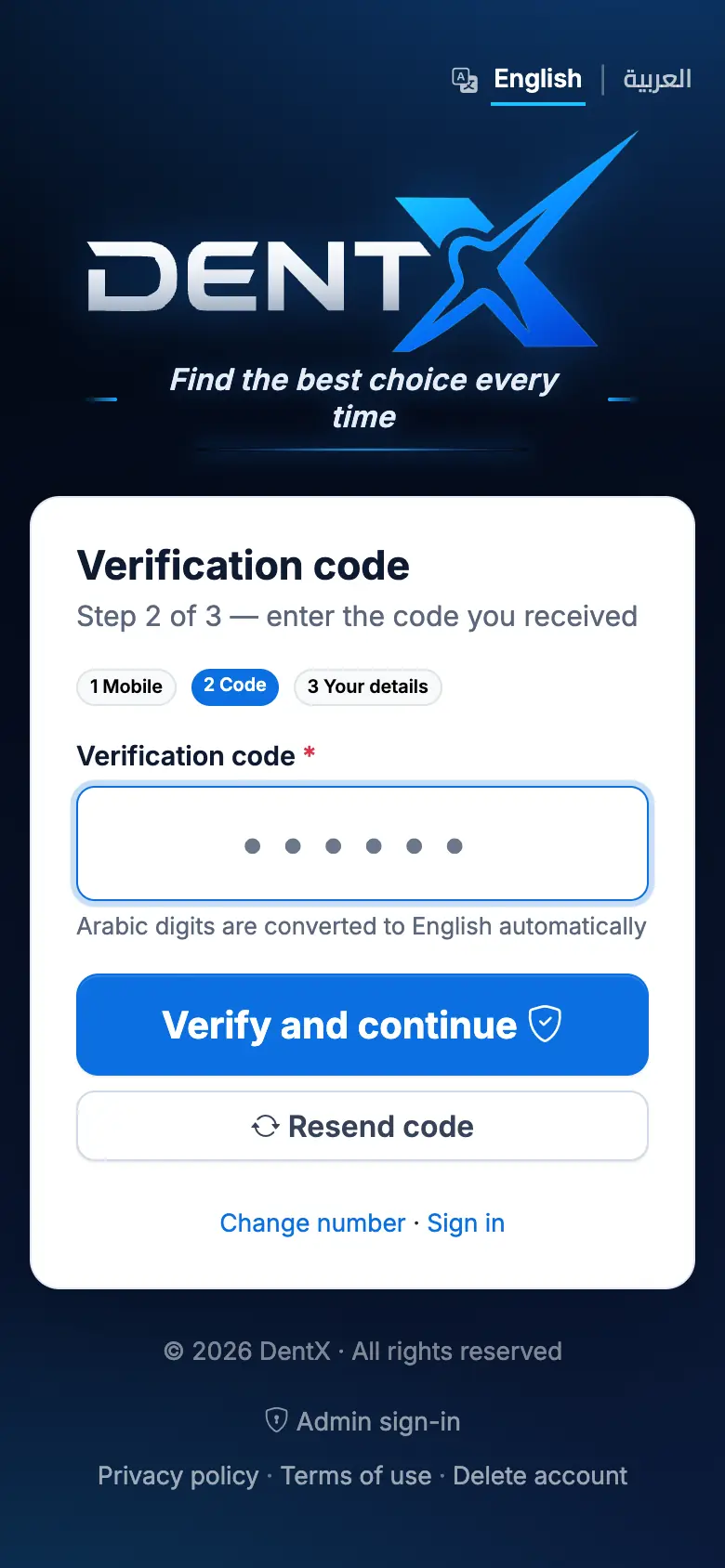
- Type the code and tap Verify and continue. Didn't get it within a minute? Use Resend code, or Change number if you mistyped it.
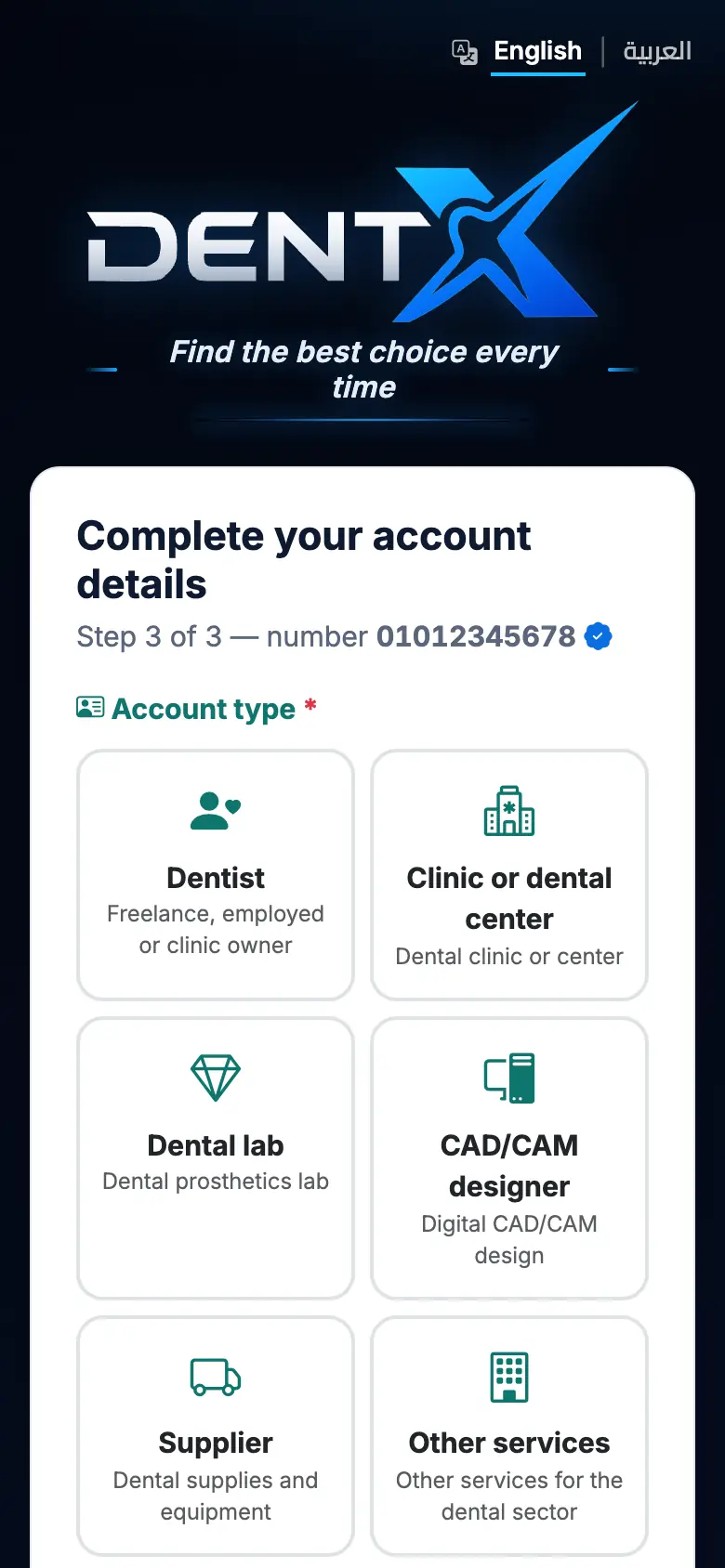
- Choose your account type: Dentist, Clinic or dental center, Dental lab, CAD/CAM designer, Supplier, or Other services. The type decides which tools you see and where you appear in the professional directory.
- Fill in your name, specialties, your location on the map (governorate, city and address), and a password of at least 6 English letters or digits. Accept the terms and tap create.
Your account is ready right away, with a free trial. Next: complete your profile and verify your account.
Never share your verification code with anyone — the DentX team will never ask you for it.
Sign up or sign in with Google
On the website you can tap Continue with Google (sign-up) or Sign in with Google (sign-in). Google fills in your name and email; you still confirm your mobile number with a code once, because it's needed for notifications. If an account with that number already exists, it is linked to your Google account.
Inside the DentX phone app, Google sign-in works in the browser only — sign in with your mobile number and password in the app.
Signing in later
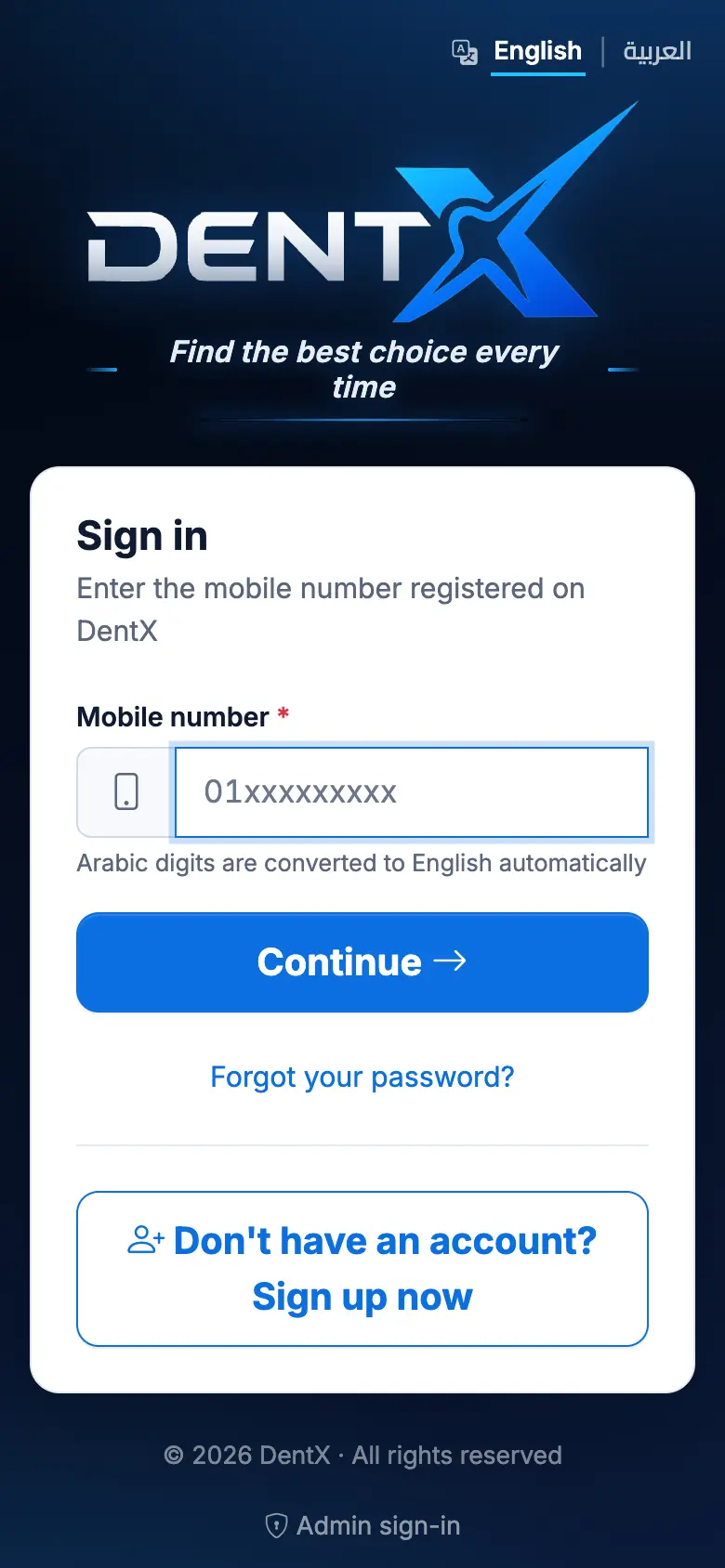
Enter your mobile number, tap Continue, then your password. You stay signed in on that device. Forgot it? Tap Forgot your password?, get a code and choose a new password.
A team member that a clinic owner added signs in with their own number and chooses their name and password the first time — see Team & permissions.