
Verification proves you are a real dental professional. Verified accounts get a blue verified badge everywhere. It is not required to sign up, but it is required to post a specialist case or apply to one.
Where: Menu → Account verification (open). Available for dentist and clinic accounts.
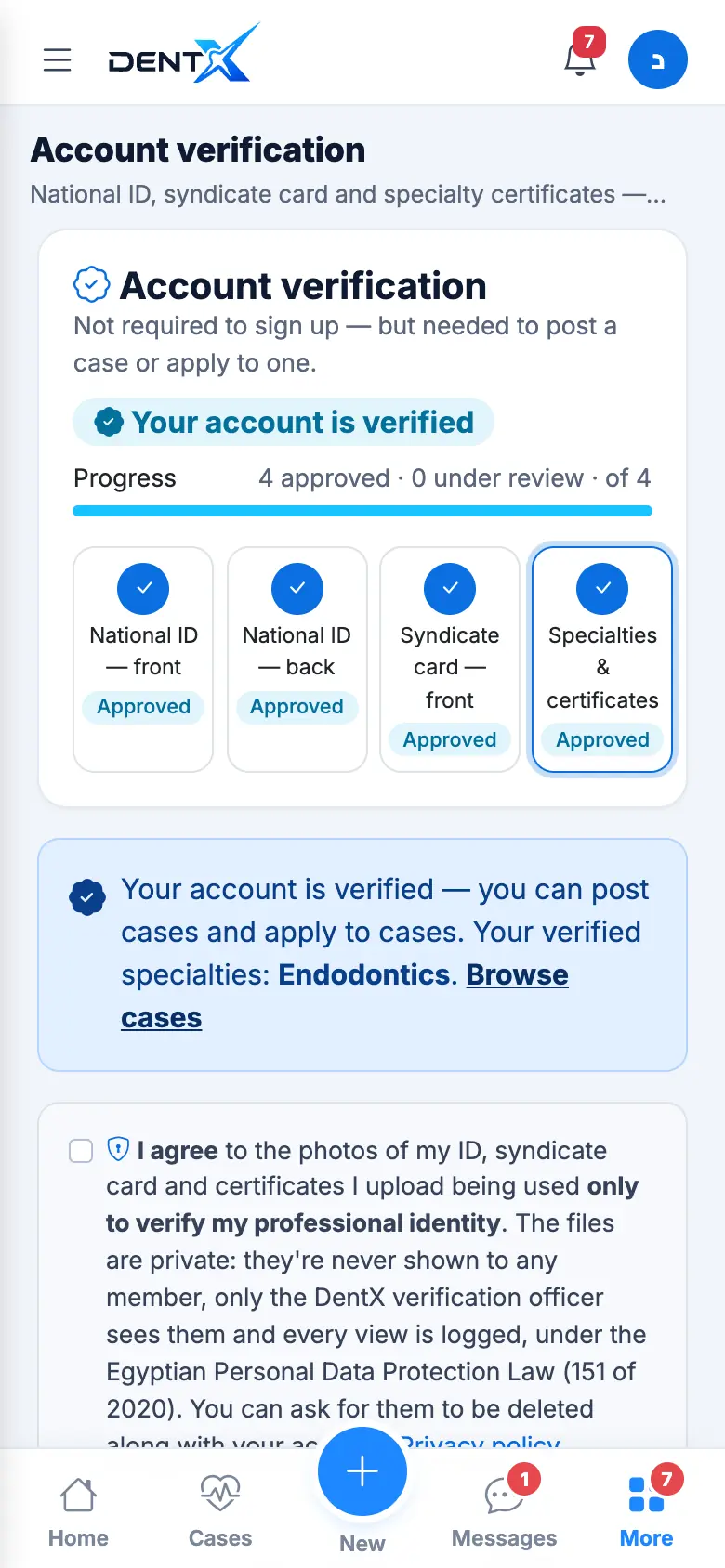
The 4 steps
- National ID — front.
- National ID — back.
- Dental syndicate card — front.
- Specialties & certificates — one certificate per specialty you claim (master's, PhD, fellowship, diploma or accredited course), with the issuing body and year.
Before the first upload, tick the consent box. For each step take a photo with the camera, or choose an image or PDF from your phone (JPG, PNG, WEBP or PDF, up to 8 MB — photos are compressed automatically before upload).
Statuses
| Status | Meaning |
|---|---|
| Required | Not uploaded yet |
| Under review | Uploaded, waiting for the review team |
| Approved | Checked and accepted |
| Rejected | Something is wrong — the reason is written; upload again |
You get a notification with the result. A specialty without an approved certificate doesn't count: you can still apply to General Dentistry cases.
Photograph documents on a plain background, in good light, without flash, with all four corners visible.
Your documents are seen only by the DentX verification team — never by other members — under Egypt's Personal Data Protection Law (151/2020). Labs and suppliers add their commercial register from their profile page.