
Sorted by distance
Every list in DentX — cases, jobs, courses, products, listings, the directory — is sorted nearest first from the location saved in your profile. When a location isn't available, your governorate comes first. Emergency cases are always on top.
Tap Filter → Nearest to me to sort from where you are right now (your phone asks for location permission once). Useful when you work at more than one clinic.
The map
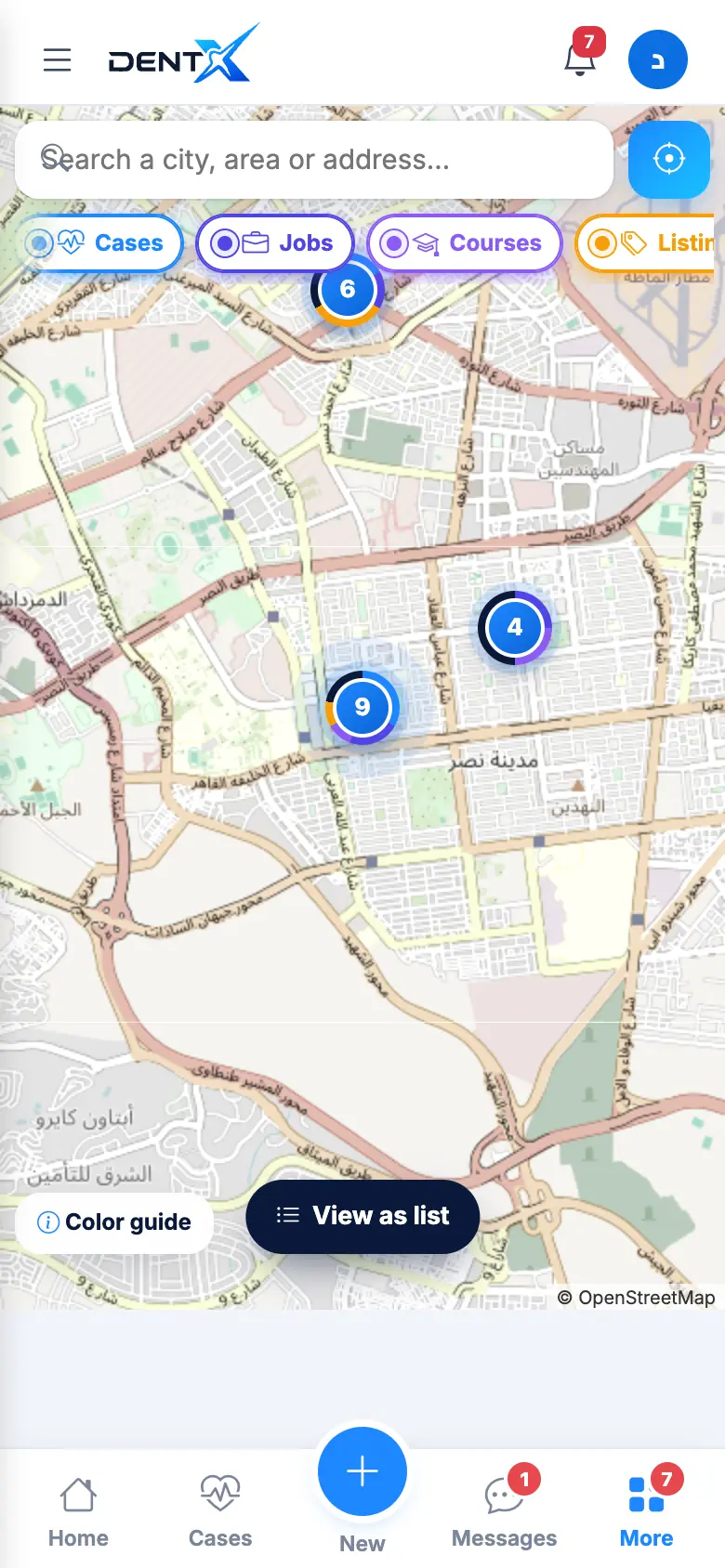
Open Map (or Show on map on any list). Search a city or area, tap the locate button for your position, and switch layers: Cases, Jobs, Courses, Listings and more. Numbered circles group several items — zoom in or tap them. View as list switches back.
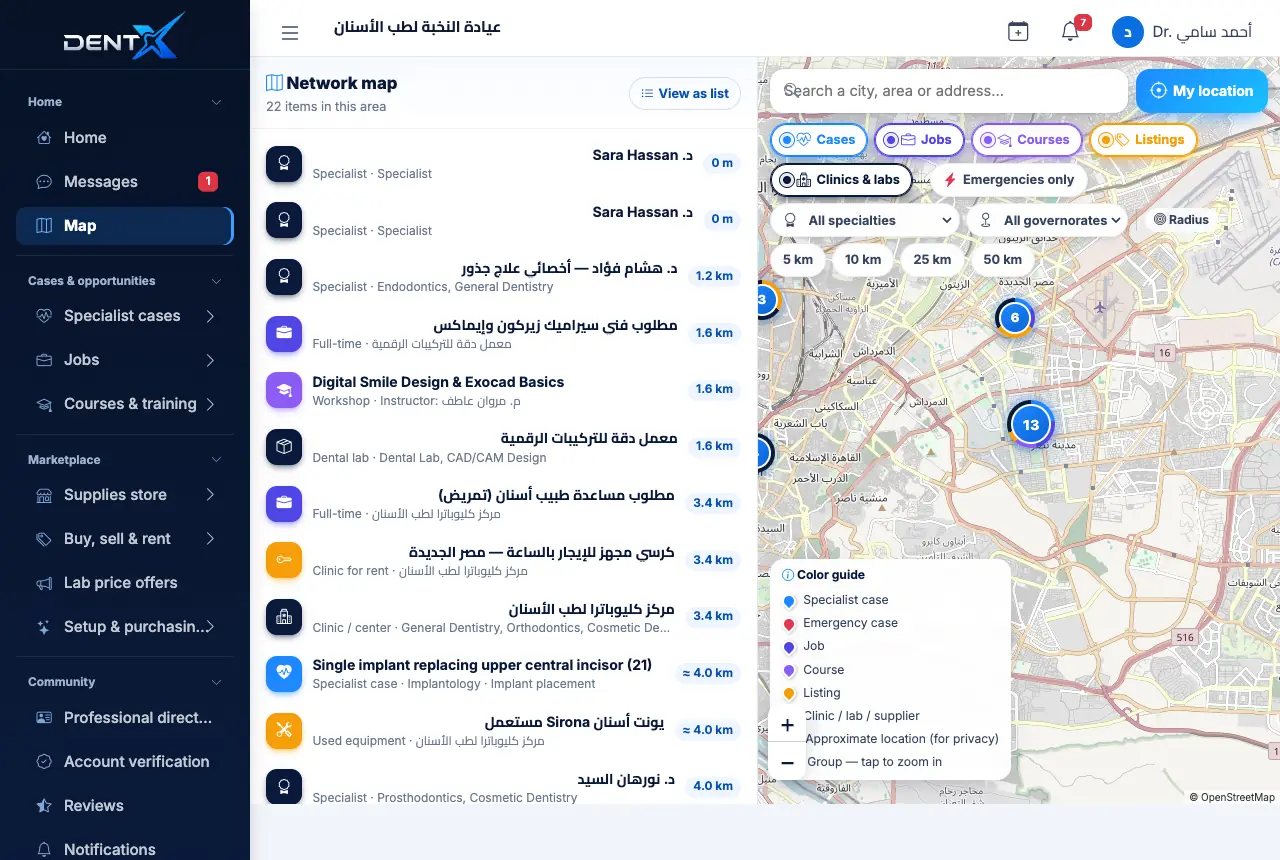
You can narrow the map by distance, specialty and governorate, or show emergencies only.