
Where: Menu → Settings → Team & permissions.
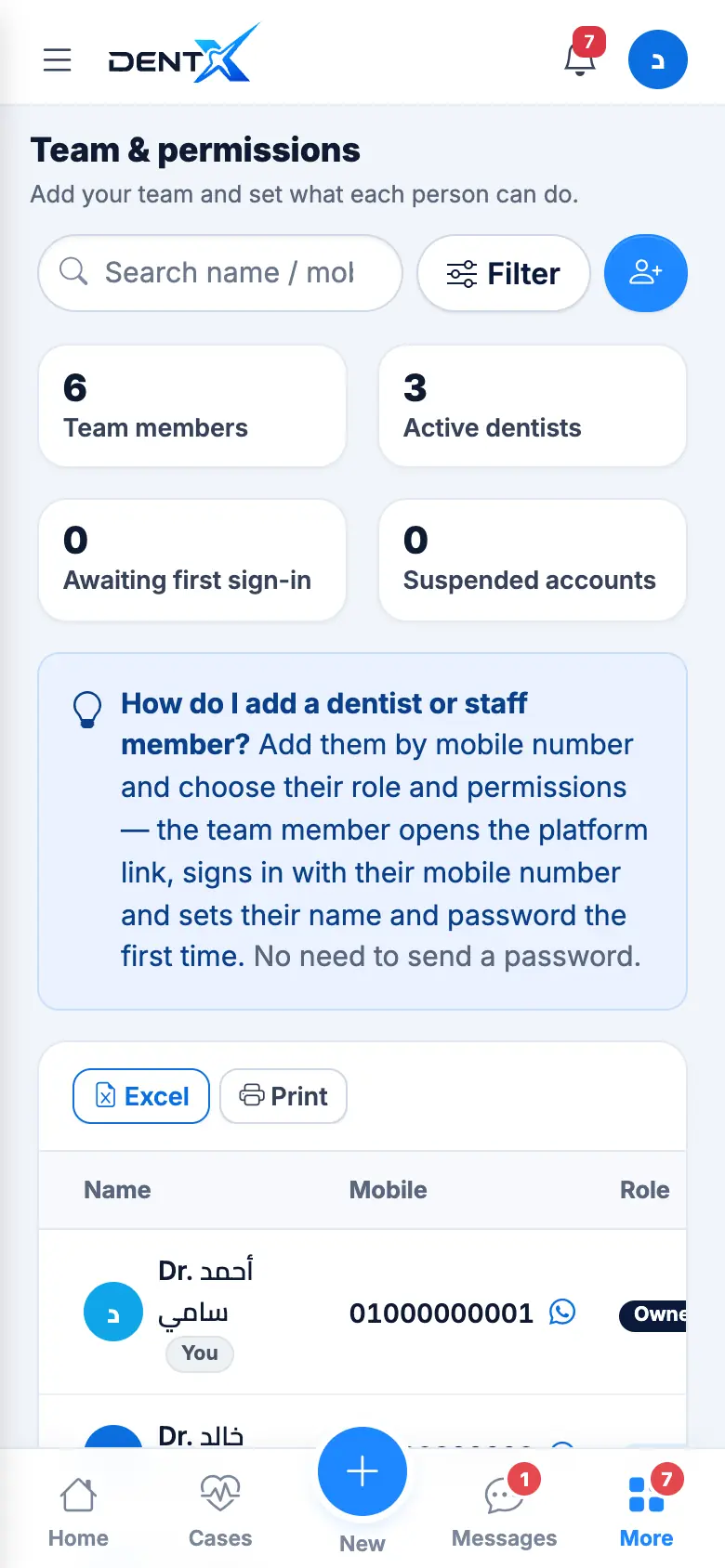
- Tap + (add member) and enter their mobile number — that's what they sign in with.
- Optionally their name, then the role (doctor, reception, accountant…), job title, calendar colour and branch.
- Set permissions per section — View, Add, Edit, Delete — or use the quick presets (Doctor, Reception, Select all).
The new member opens DentX, signs in with their number and chooses their name and password the first time — you never need to send them a password. You can suspend a member at any time.
The Activity log shows who did what and when, and the Trash lets you restore deleted items.