
My account
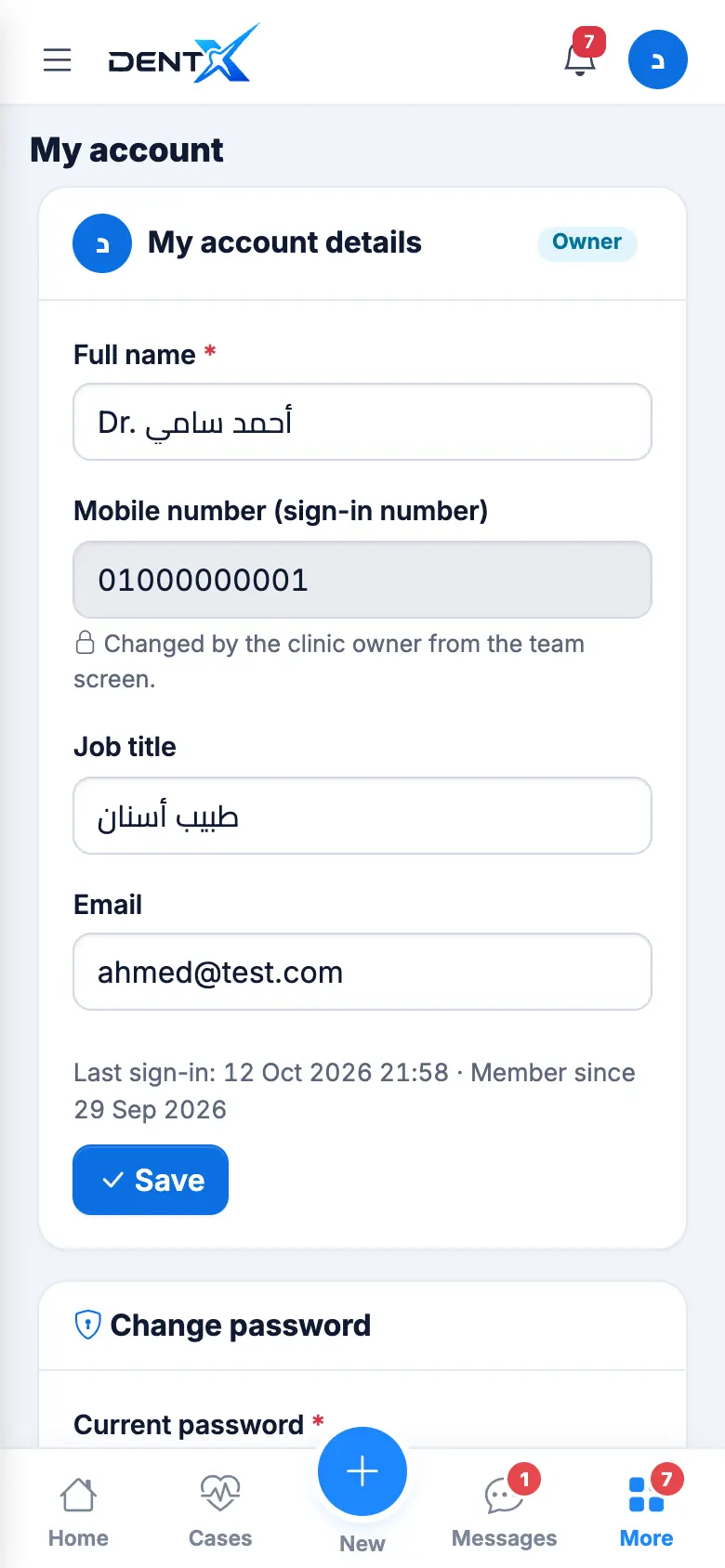
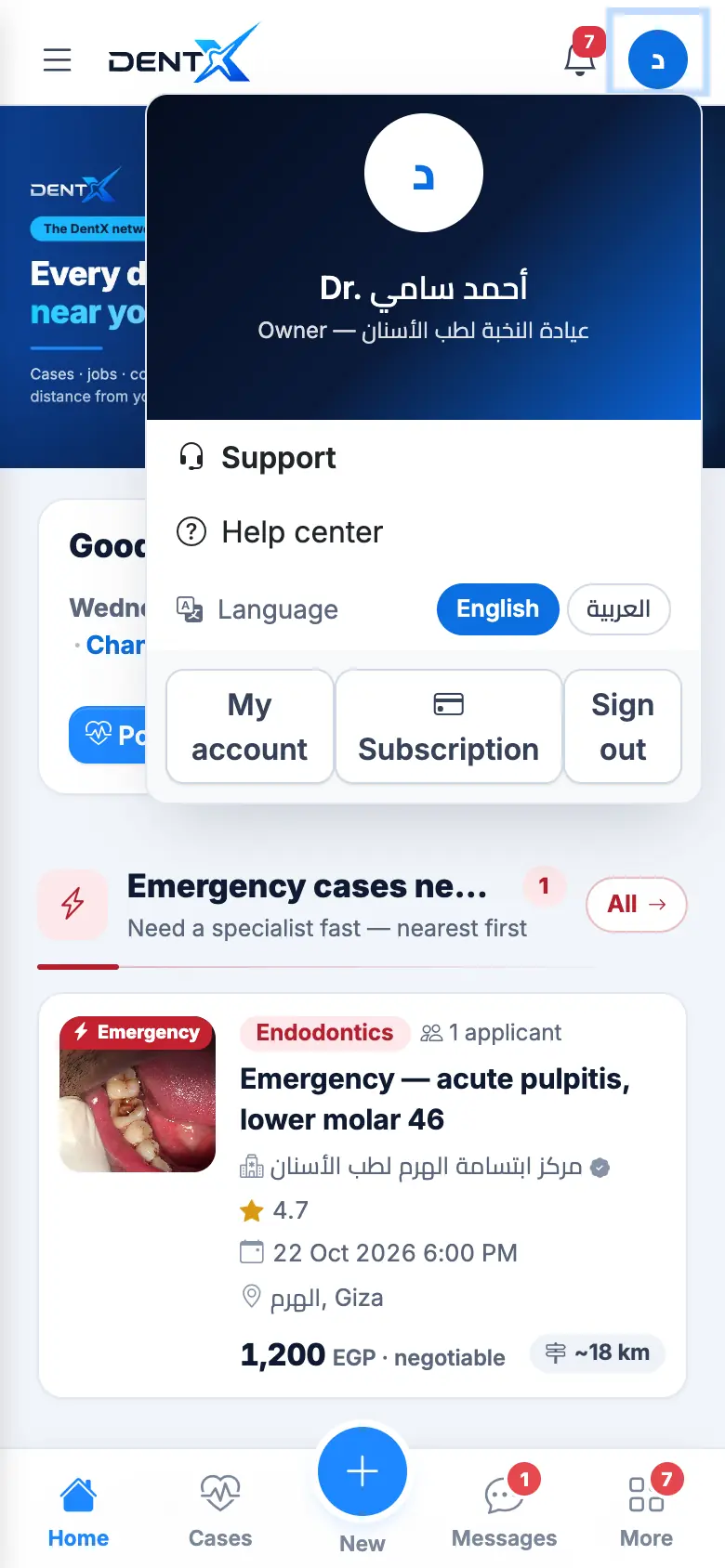
Your avatar → My account (open): your role, full name, mobile number (your sign-in number), job title and email. Below it, Change password: current password, new password and confirmation.
Clinic details (name on printouts, working hours, logo, features such as My products & customer orders) are in Settings.
Switch language — English / العربية
DentX is English first, with full Arabic (right-to-left). Switch at any time:
- your avatar → Language → English or العربية, or
- the English | العربية links at the bottom of every page and on the sign-in pages.
Your choice is saved to your account, so it follows you to every device; notifications and messages DentX sends you use your language too.