
Where: your avatar → Support, or Menu → Settings → Support.
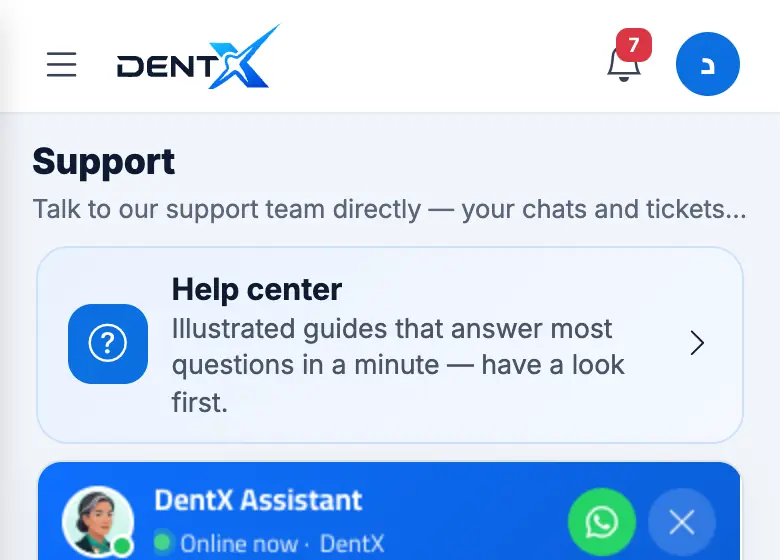
- The chat opens under your registered account — the team already knows who you are, so you don't need to enter your name or number.
- The assistant answers common questions instantly (sign-up, verification, posting a case, pricing). Choose Talk to support to reach a person during working hours.
- Important requests become tickets with a number; you are notified of every reply and status change, and a dot appears on Support when there's a new reply.
- Before you ask, have a quick look at this help center — the card at the top of the support page brings you here.
Describe the problem in steps: which page you were on, what you tapped and what appeared — and attach a screenshot.
WhatsApp and email
Prefer WhatsApp? Use the WhatsApp button on the support page or below every help article. You can also email contact@dentx.pro. Not signed in? The chat bubble on the public pages and the WhatsApp link work too.