
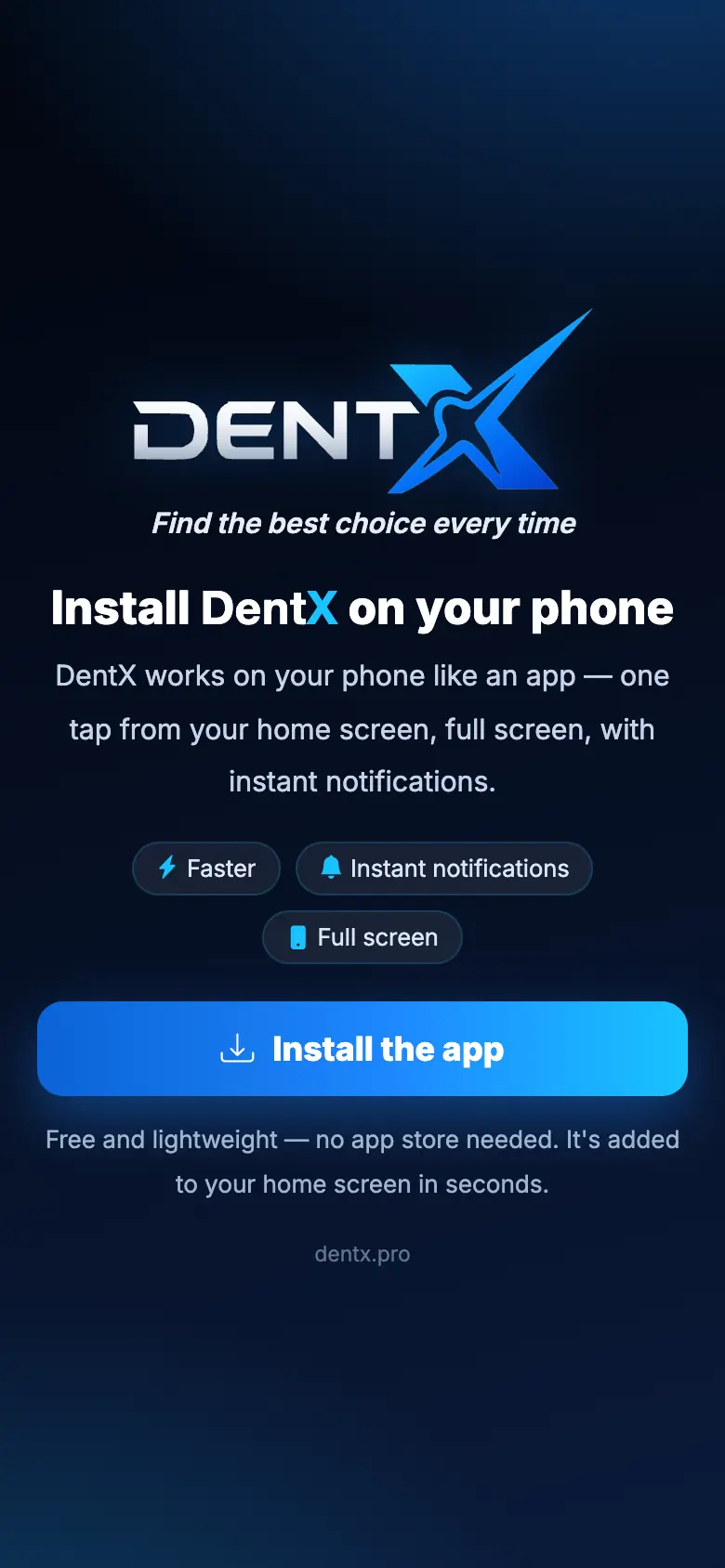
DentX is the same on the website and on your phone. There are two ways to have it as an app:
- The DentX app for Android and iPhone, where available in your store.
- Install it from the browser — no store needed, very small:
- Android (Chrome): open dentx.pro, tap Install the app on the install screen (or the download icon at the top), then Install.
- iPhone (Safari): tap the Share button, then Add to Home Screen → Add, and open DentX from its new icon.
The first time you open it, short welcome screens end with a request for notifications and location — both make DentX more useful.

If you opened the link from inside WhatsApp or Facebook, open it in Chrome (Android) or Safari (iPhone) first so installing works.
Notifications
Allow notifications when asked, then check them in Notification settings → Send a test notification. Tapping a notification opens the right page directly.
Print and PDF
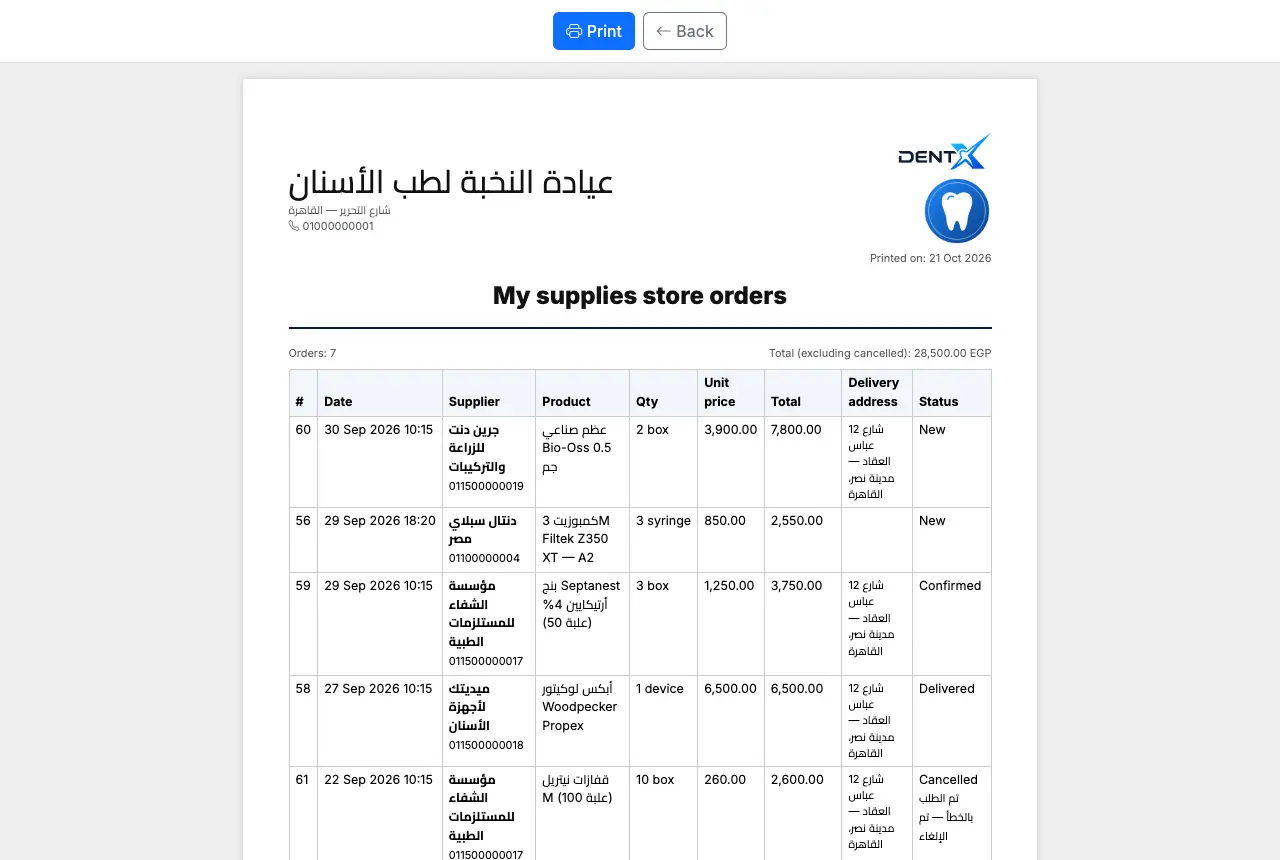
Every list has Print (an A4 page) and Excel. On a phone, Print opens the phone's print screen, where you can save as PDF or send to a printer; in the DentX app, Excel files open the share sheet (save, WhatsApp, email).
Offline
DentX needs an internet connection. If the connection drops you see a No connection screen with a retry button instead of an error — your data stays safe on DentX.
Good to know
- You stay signed in; pull down to refresh in the app.
- Uploading X-rays and photos works from the camera or gallery, and PDFs too.
- dentx.pro links (for example from WhatsApp) open inside the app.