
Open Messages from the bottom bar or the menu. Each conversation shows the other side, what it is about (a case, job, order, listing or course), new-message counts and the last date.
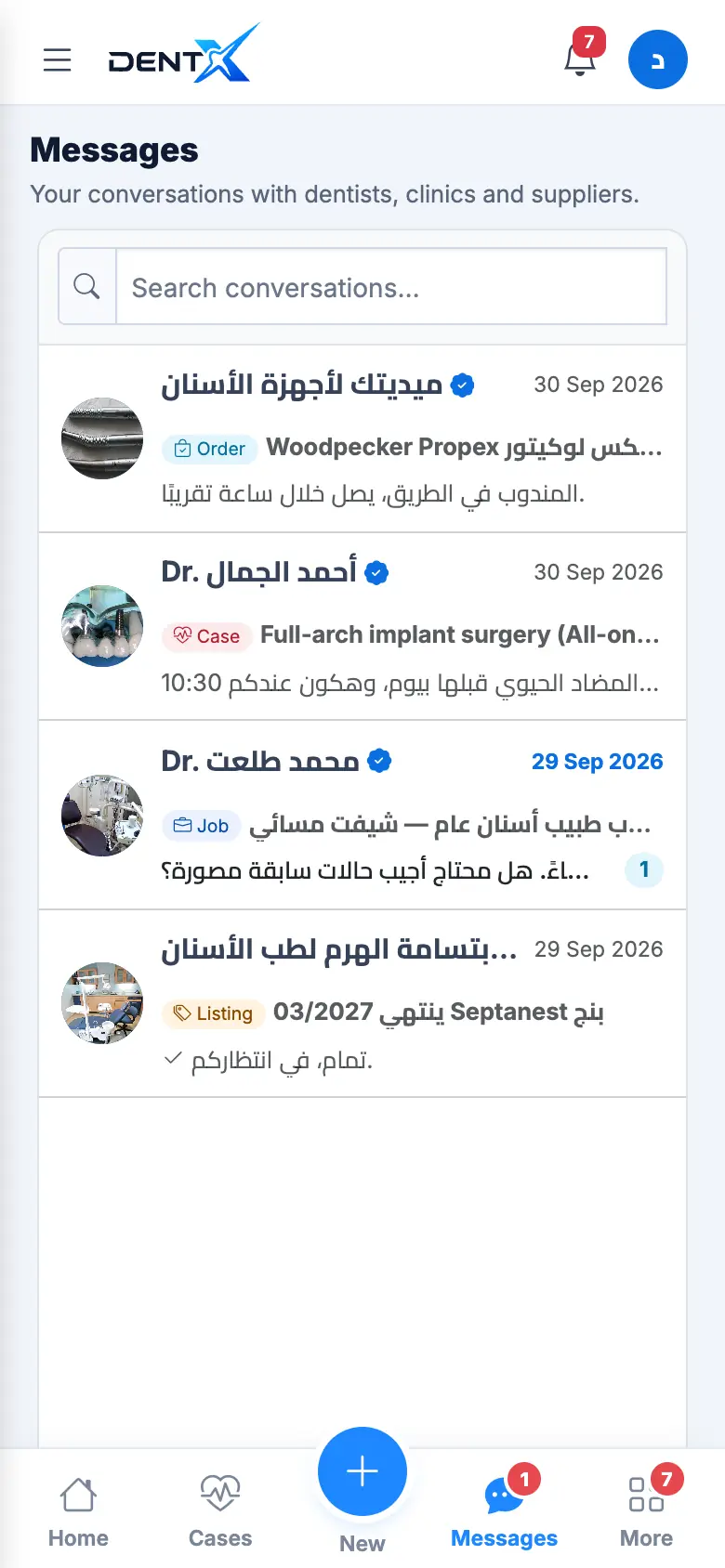
A chat starts from a Message button anywhere: a case, an applicant, a supplier, a listing, or a profile in the directory. Inside the chat, the linked item is shown at the top — tap it to open it. Type your message, attach a photo or file (X-rays and PDFs work too) and send.
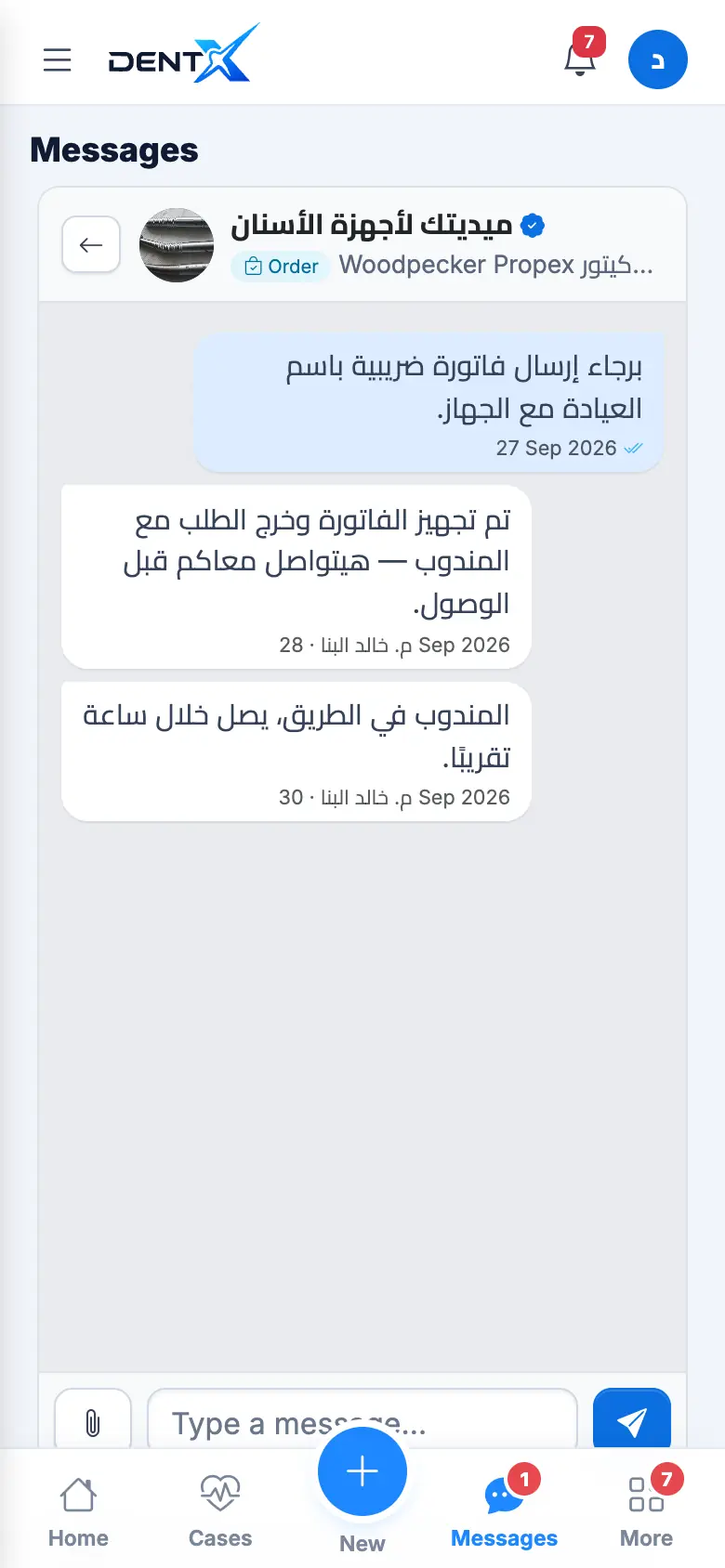
Your phone number isn't shown in messages — unless you agree to share it (for example once a primary dentist is selected).
New messages trigger a notification, and a red number appears on Messages.