
Browse listings
Open Buy, sell & rent. Filter by type — new equipment, used equipment, surplus supplies (before expiry), clinic for rent or sale, equipped clinic for training, services — and by price and place, or show them on the map.
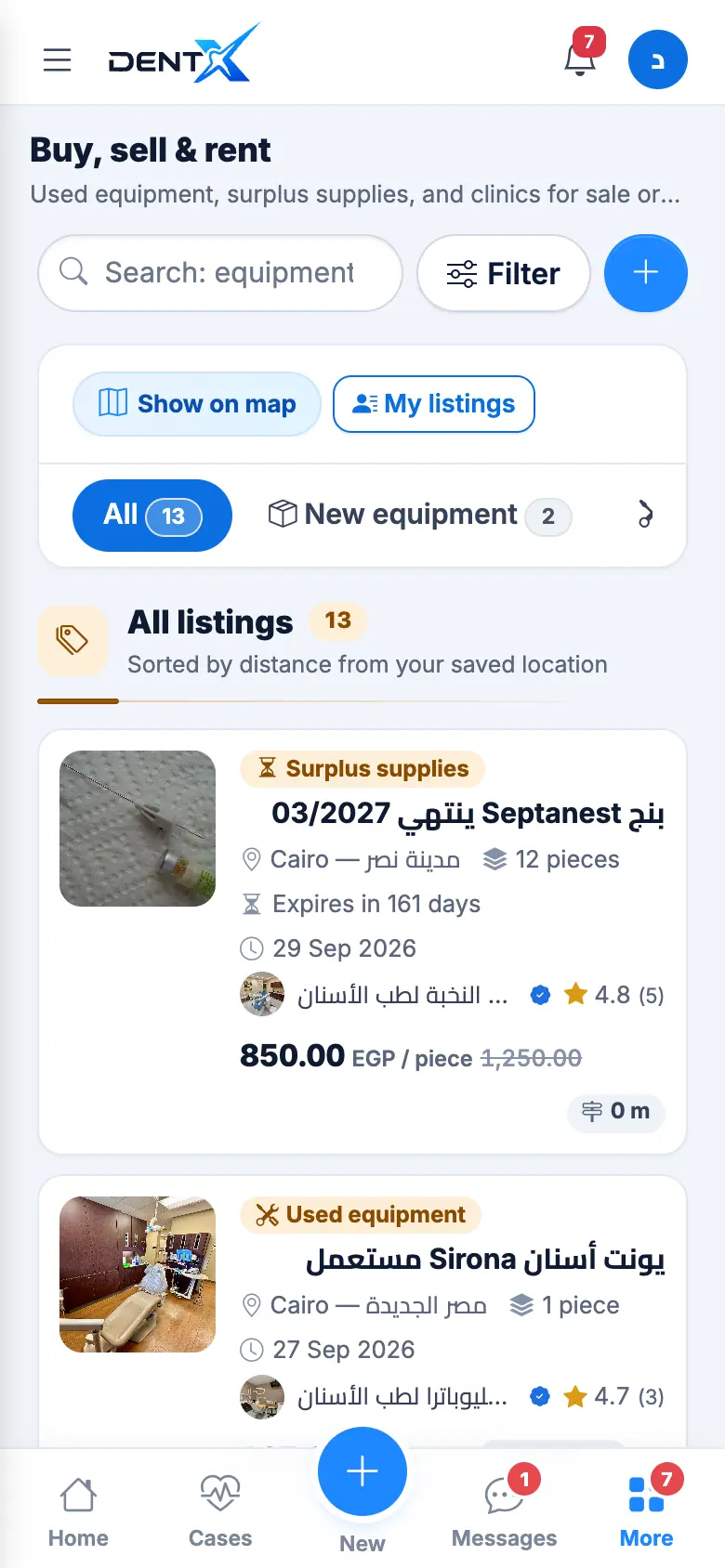
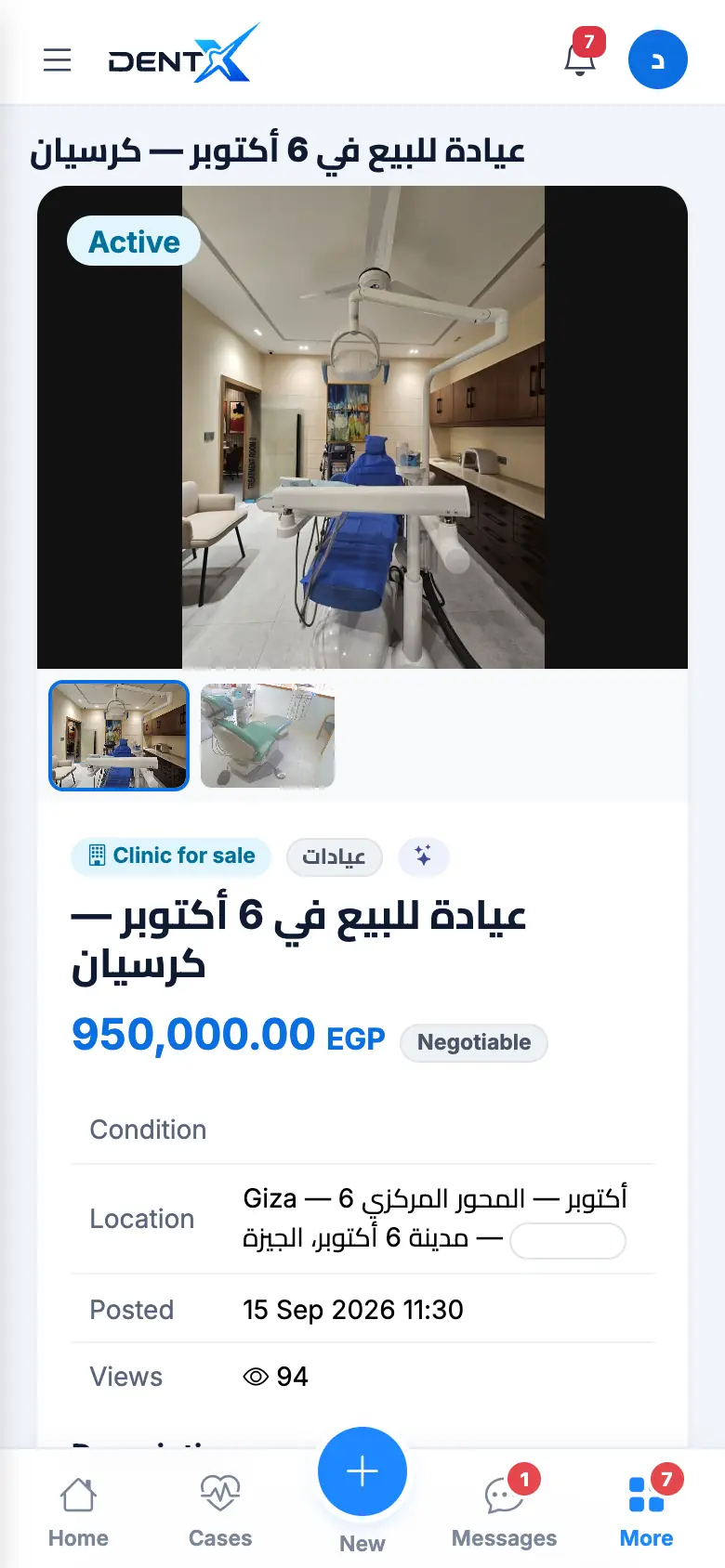
Open a listing for photos, condition, price (with the original price for surplus), location and views. Contact the seller with Message (a chat inside DentX) or WhatsApp, or open their profile.
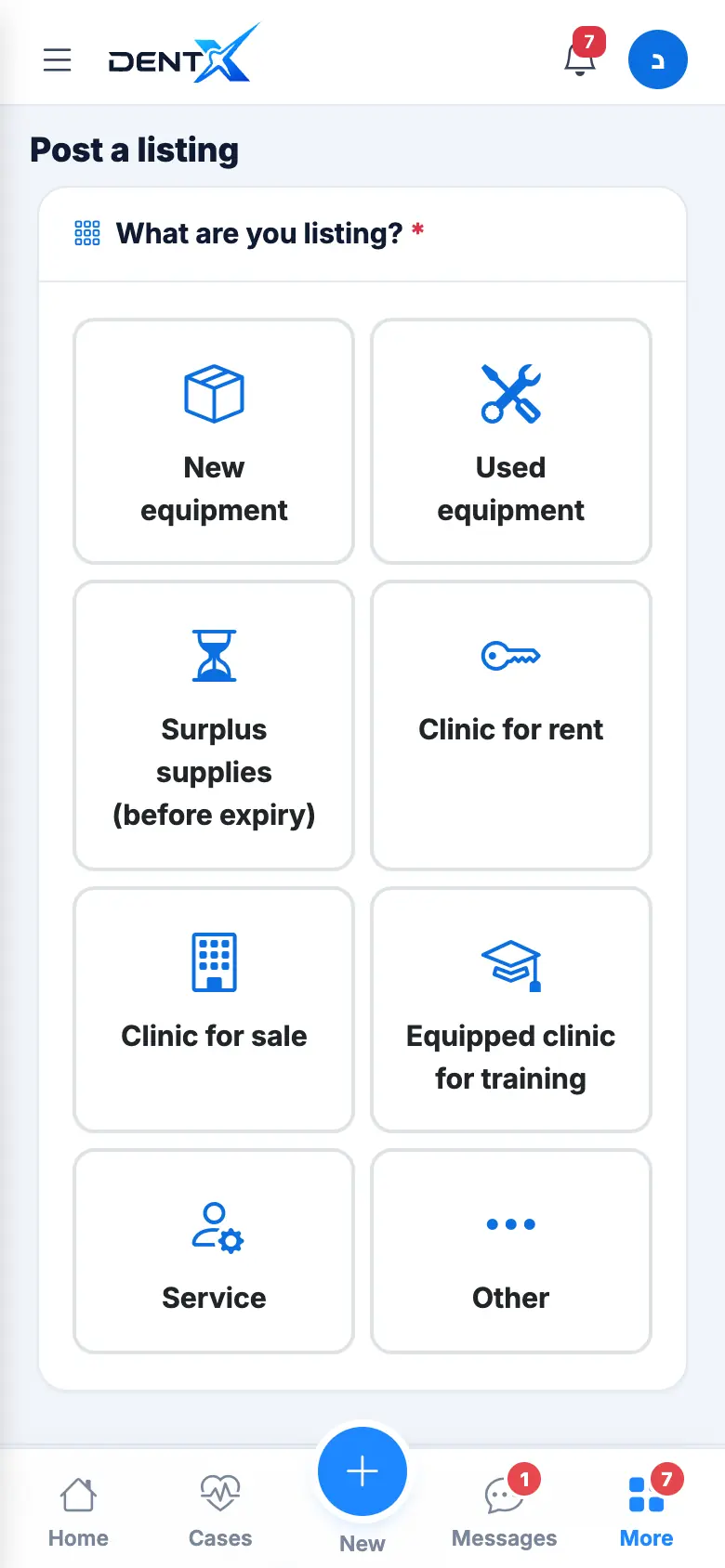
Post a listing
Tap + → Add a listing and choose what you're listing, then the title, category, brand, price (negotiable or not), description and up to 8 photos. Surplus supplies need the expiry date and the available quantity.
Manage your listings
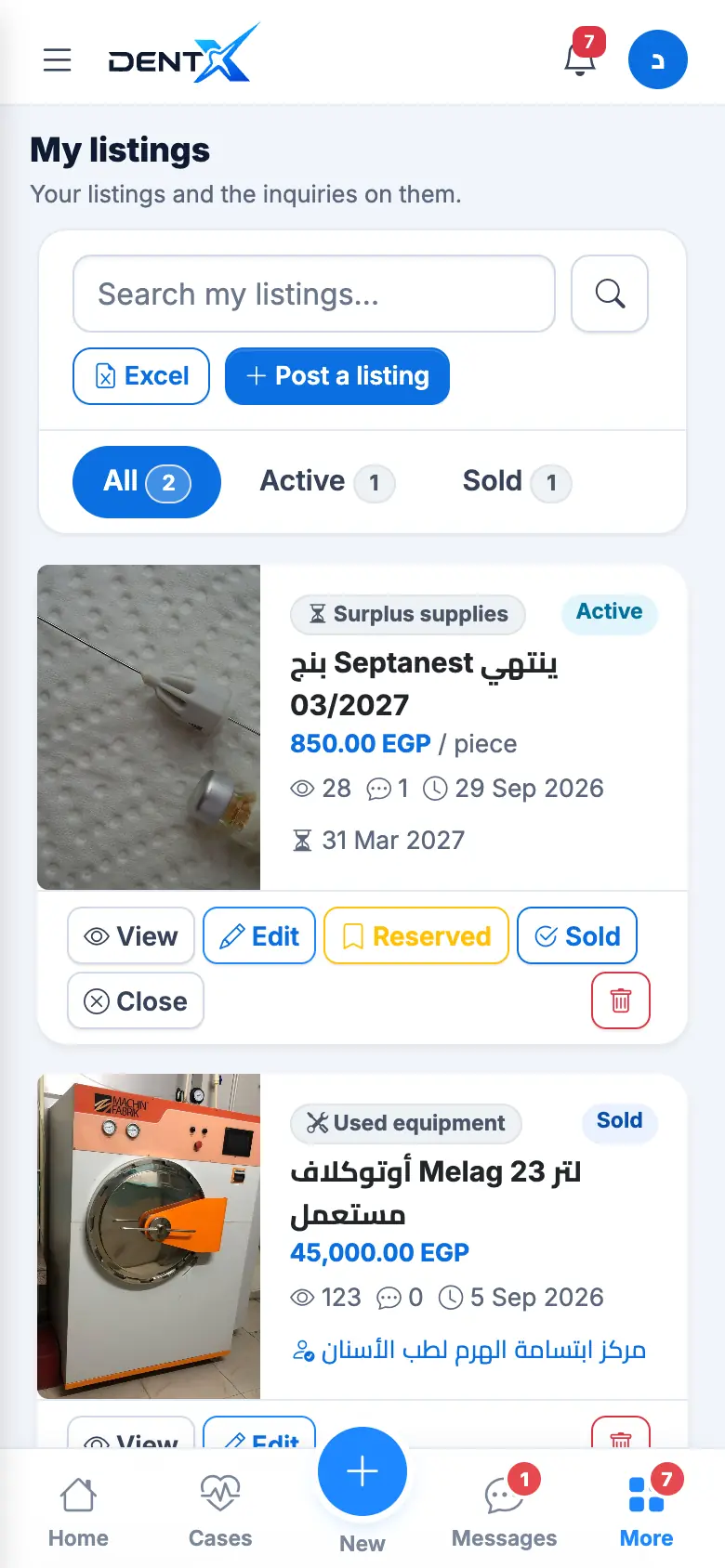
In My listings you can edit, mark Reserved, Sold or Rented, or Close a listing. After a sale or rental choose the buyer or tenant so you can rate each other.
| Status | Meaning |
|---|---|
| Active | Visible to everyone |
| Reserved | A buyer is negotiating |
| Sold / Rented | Deal done |
| Closed | Hidden |
| Expired | Past its date |