
Find a job and apply
Open Jobs: full-time, part-time, shifts, temporary cover, partnership and assistant jobs, nearest first. Filter by specialty, job type, pay and place.
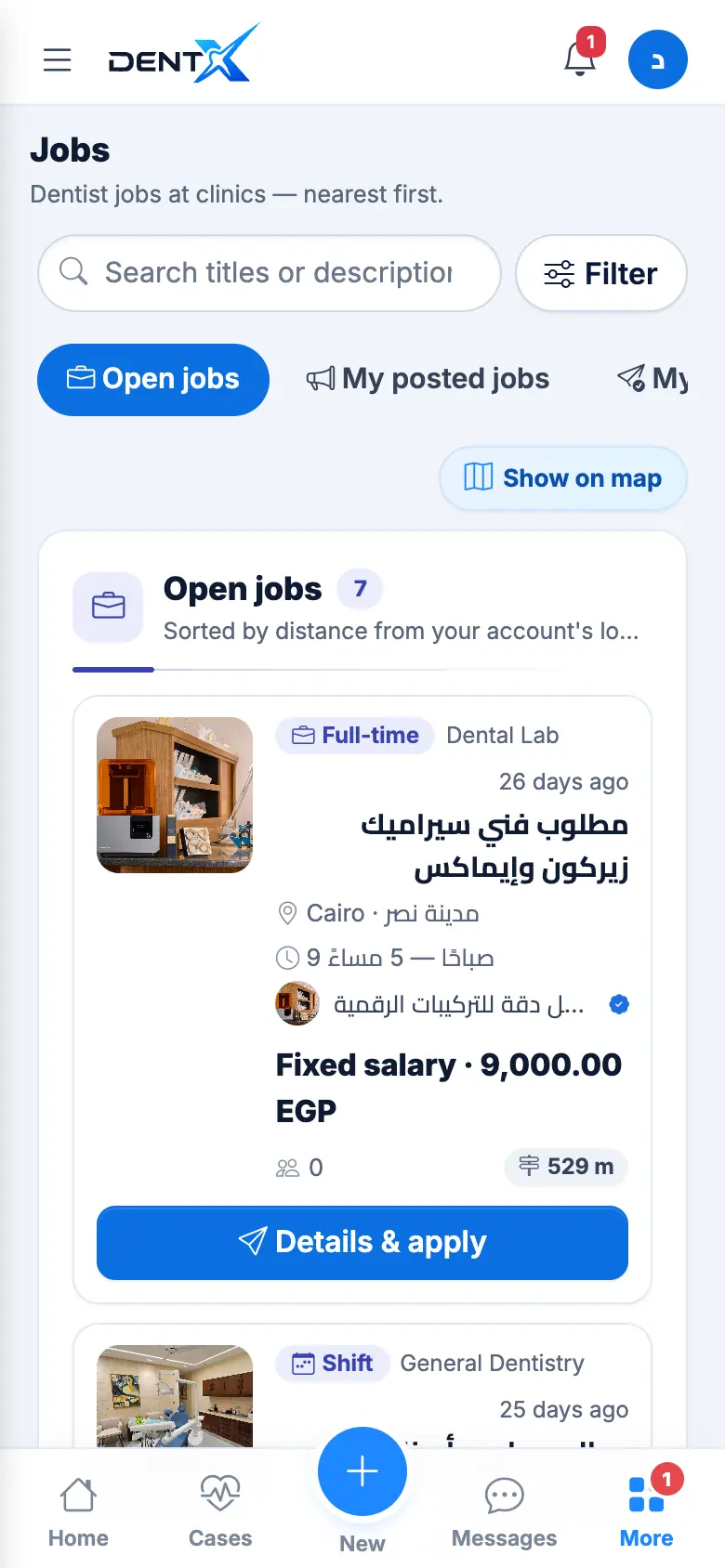
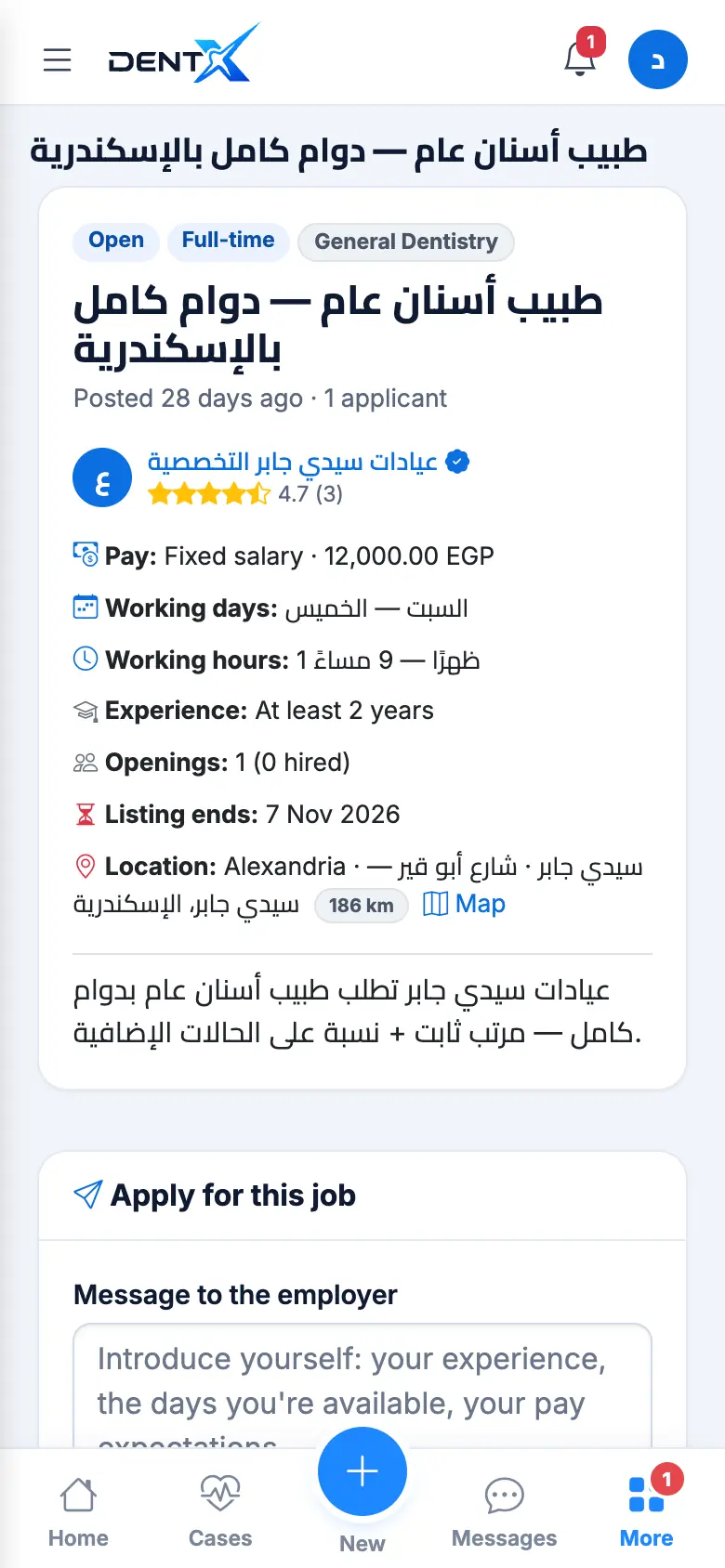
Open a job to see the pay, working days and hours, required experience, the closing date and the place. Under Apply for this job, write a message to the employer and optionally attach your CV (PDF, Word or image, up to 5 MB), then send.
Follow your applications under My applications. Every change is notified to you: Shortlisted, Interview (with a date), Hired or Rejected. You can withdraw an application.
Post a job
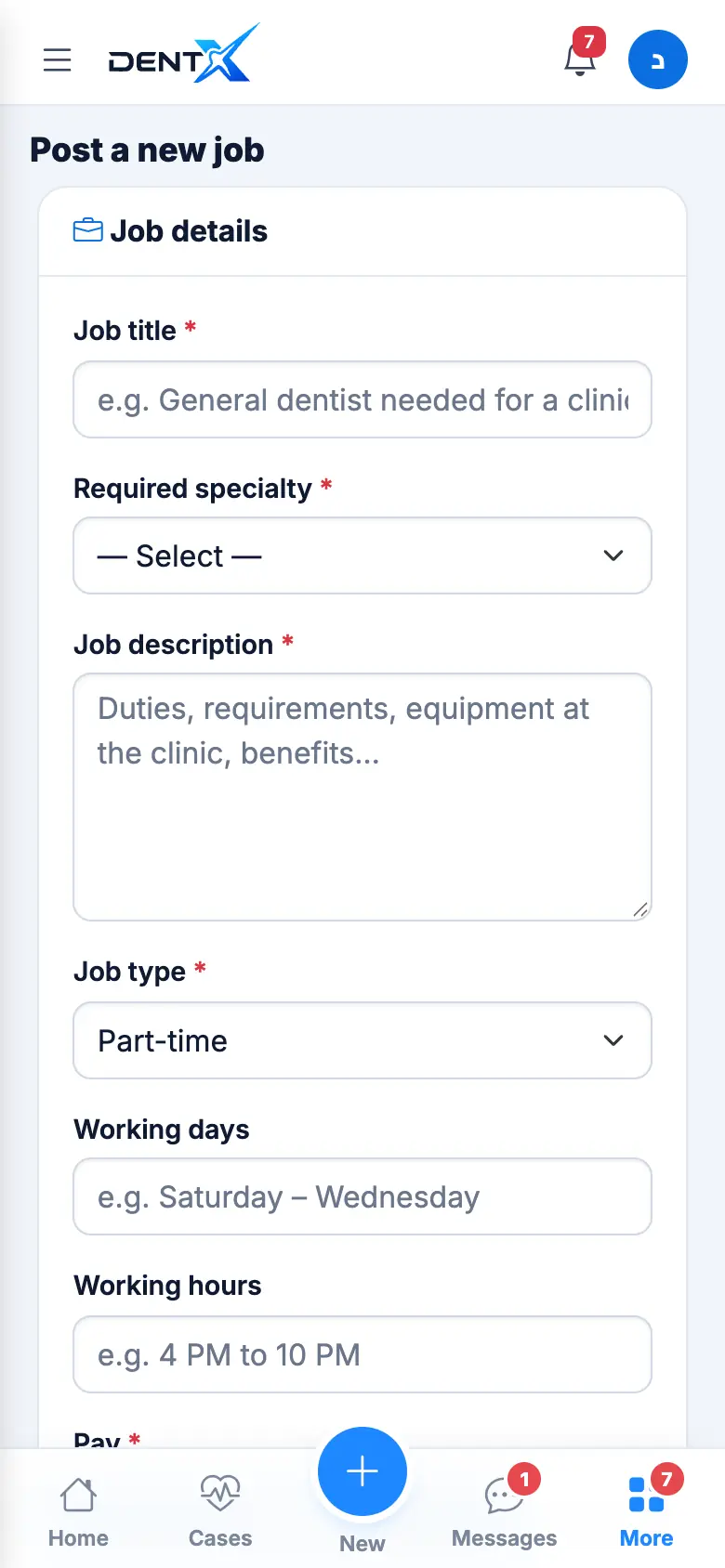
Who: clinics, centers and labs. Use + → Post a job or Post a new job: title, required specialty, description, job type, working days and hours, pay (fixed salary, percentage, per case or by agreement), minimum experience, openings and the closing date.
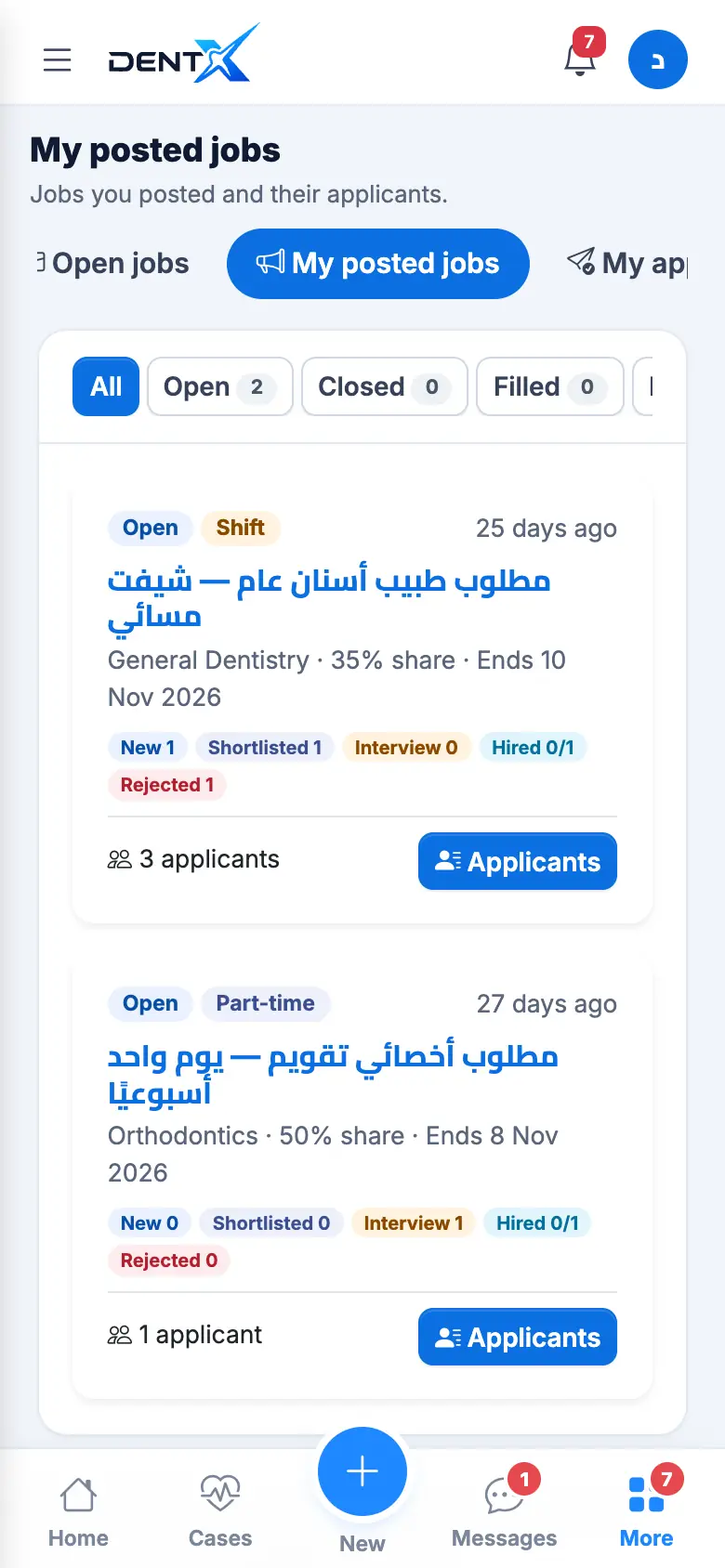
Matching dentists nearby are notified. In My posted jobs open Applicants to download CVs, chat, and move each applicant through Shortlisted → Interview → Hired (each step notifies them). You can export applicants to Excel, Close the job, or mark it Filled.
After hiring, you and the dentist can rate each other from the job page.